Cart drawer upsells that work
What to offer in a Shopify cart drawer, how many offers to show, and how to set up cart upsells in your theme's drawer or the app's drawer.
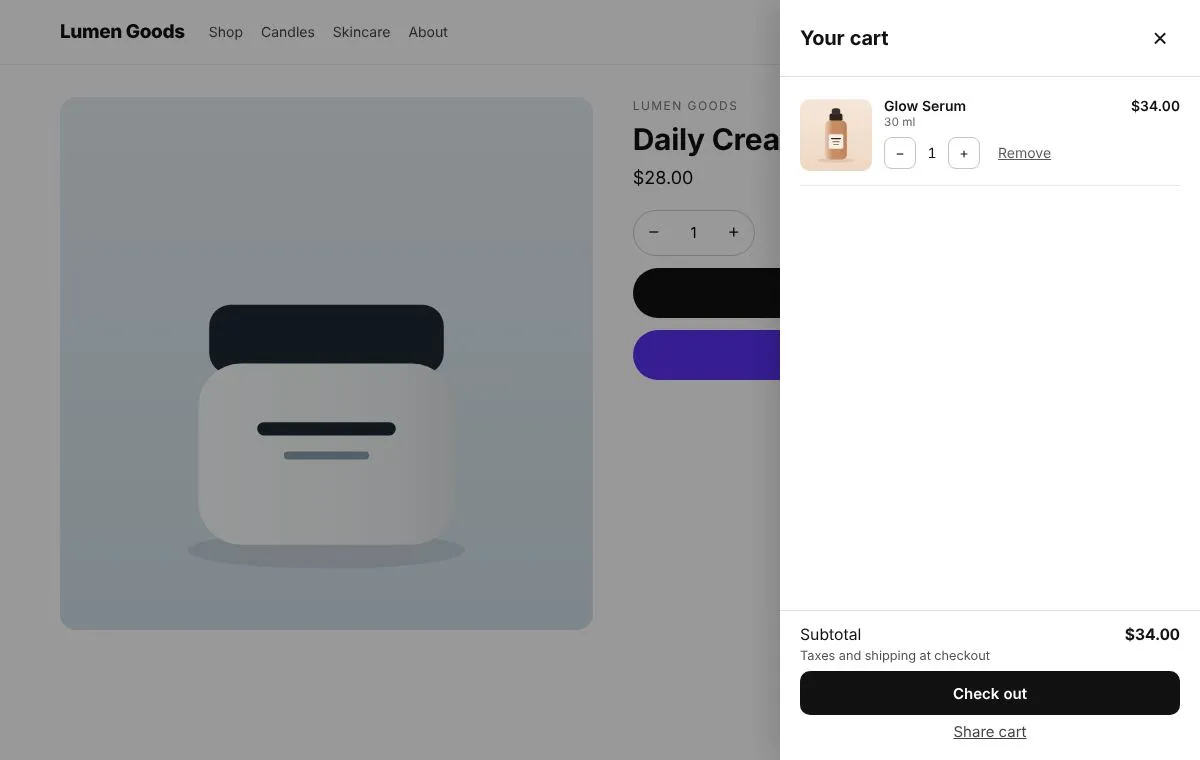
The cart drawer is a good place for an upsell because the shopper has already decided to buy. What works there is small: one or two inexpensive items that complete what’s in the cart, shown with a clear add button and never added without asking. Here is how to choose those items and set them up on Shopify.
Why upsell in the cart drawer?
The drawer opens right after add to cart, when the shopper is looking at their order. A short, relevant suggestion at that moment feels helpful rather than pushy. It also sits next to the subtotal, which makes a free shipping goal easy to see.
What should I offer?
- Complements, not alternatives. Batteries with the toy, a refill with the device, socks with the shoes.
- Lower prices than the main item. An add on under a third of the cart value is an easy yes.
- Things in stock. CRO Toolbox skips sold out products, products already in the cart and the product being viewed.
- One or two offers. More than that turns the drawer into a catalogue.
Should the offer have a discount?
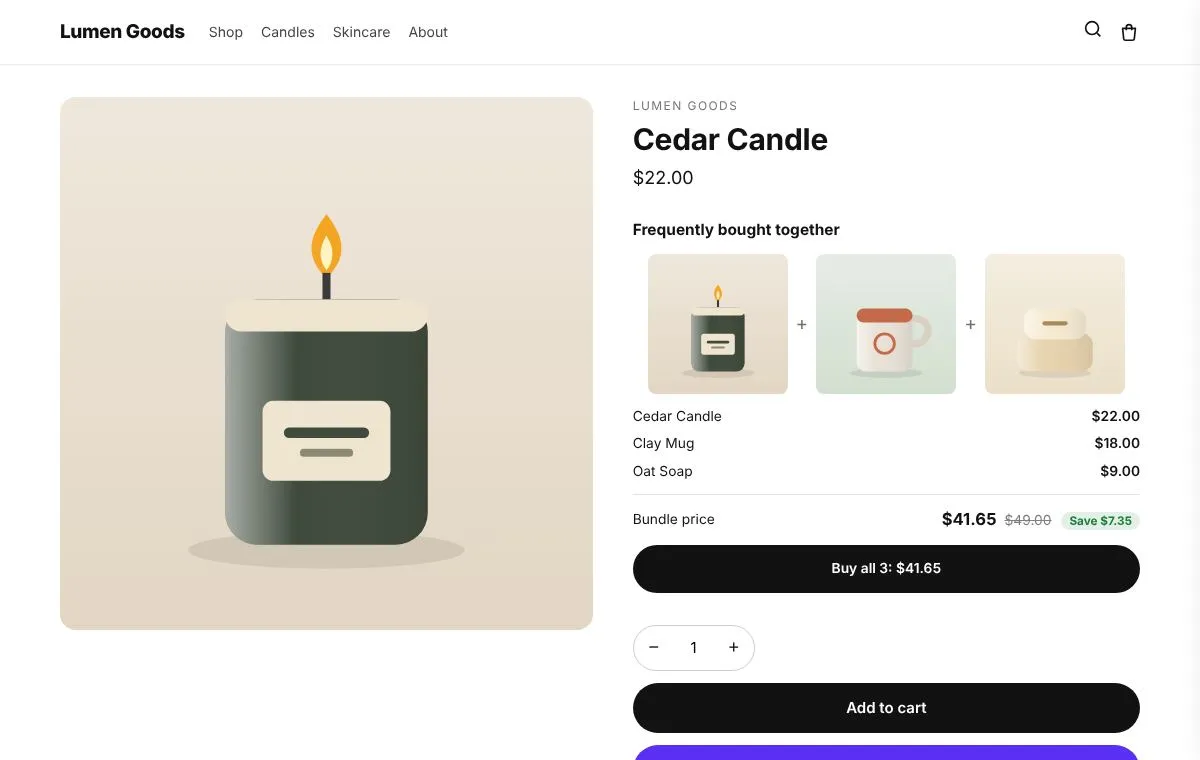
It can, but it doesn’t have to. A small percentage off works when the item is often bought together with what’s in the cart. In CRO Toolbox the cross sell discount applies at checkout while a trigger product is in the cart.
Theme drawer or app drawer?
You have two choices:
- Keep your theme’s cart drawer and add offers to it with Offers in your theme’s cart. This works with Dawn and Dawn based themes.
- Use the app’s cart drawer (Cart drawer & checkout embed). It opens on add to cart and from the cart icon, and can include offers, the free shipping bar, express checkout buttons such as Shop Pay and Apple Pay, the best discount from codes you list, a gift note and delivery date, and a shareable cart link.
Choose the app drawer if your theme’s drawer is limited or you want the extras; keep your theme’s drawer if you like it and only need offers.
How do I set it up?
- In the app, open Cart and choose which cart you use.
- Create a cross sell offer (Offers → Cross sell offers) with the trigger products and the products to offer, and include the cart drawer in where it appears.
- Turn on the free shipping bar and set the goal a little above your typical order.
- Add something to the cart on your store and check the drawer.
What makes a cart upsell feel pushy?
- Items ticked in advance. CRO Toolbox never ticks offers for the shopper.
- Pop ups on top of the drawer.
- Offers unrelated to the cart.
- Too many items.
Keep it to one row, one clear button and an honest price.
How do I know it works?
Track how often the offered items are added from the drawer, and average order value. CRO Toolbox’s Analytics shows sales from each offer; the holdout test on Growth and above compares shoppers with and without the app’s widgets.