Post purchase upsell on Shopify
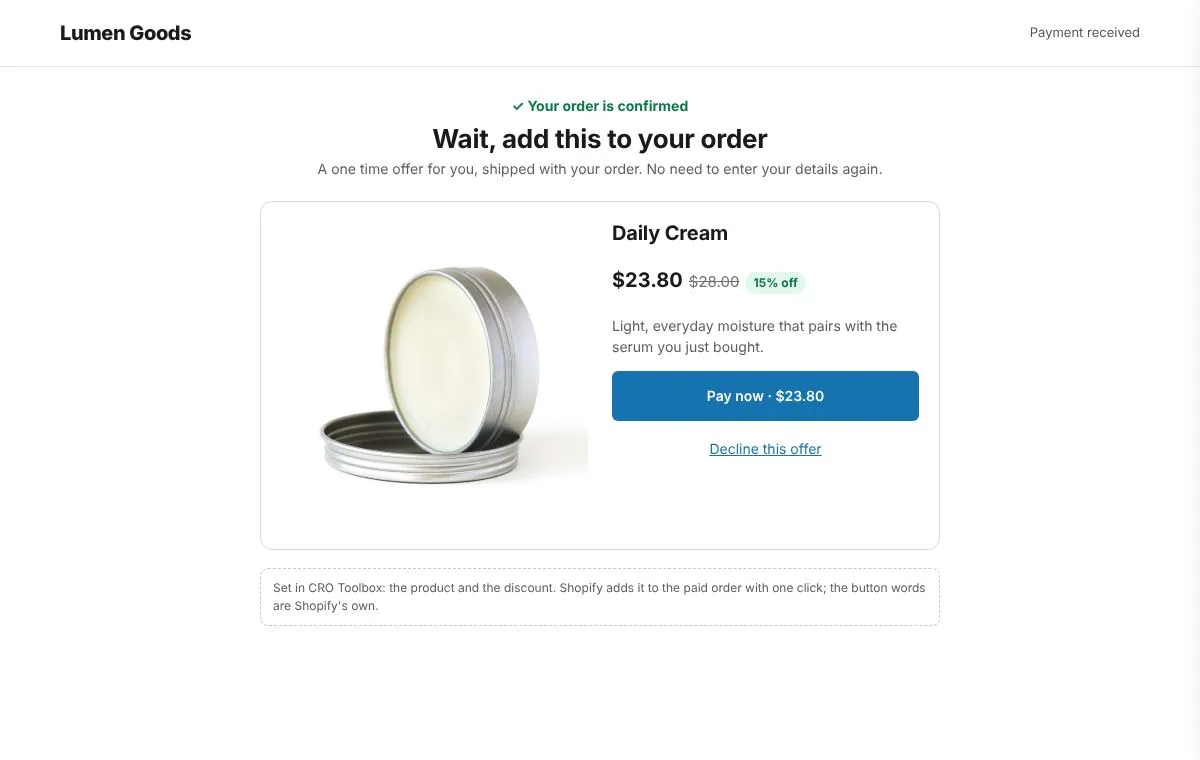
A post purchase upsell is an offer shown right after the shopper pays, which they can add to the order they just placed in one click, without entering card details again. In CRO Toolbox you pick one product and a discount, and Shopify shows the offer between payment and the thank you page and adds it to the same order and shipment.
Last updated
What is a post purchase upsell?
It is the last offer of the visit, shown after the order is paid and before the thank you page. Because the first order is already placed, the offer can't put that sale at risk, and the shopper doesn't type anything again: accepting adds the product to the same order.
It suits small, useful extras: a refill, a travel size, a case, a second colour of what they just bought.
How CRO Toolbox does it
- One product at a discount you choose, from 0 to 90% off.
- Your own heading and text. The product and discount are added after your text, for example "Get 15% off Travel case."
- Only for bigger orders if you want: show it from an order amount you set, or on every order.
- Added to the same order and shipment. It isn't shown when the product is already in the order.
- The shopper sees the price, shipping and taxes before paying. The buttons read "Pay now" and "Decline this offer": those are Shopify's rules for after purchase offers.
Shopify shows after purchase offers for card and Shop Pay payments.
How to set it up
- Install CRO Toolbox and open Offers → Upsell → After purchase.
- Pick the product and the discount, and if you want, the order amount it starts from.
- Write the heading and text, and switch the offer on.
- In Shopify, open Settings → Checkout and under Post purchase page choose CRO Toolbox.
- Place a test order and check the offer after payment.
After the offer: the thank you page
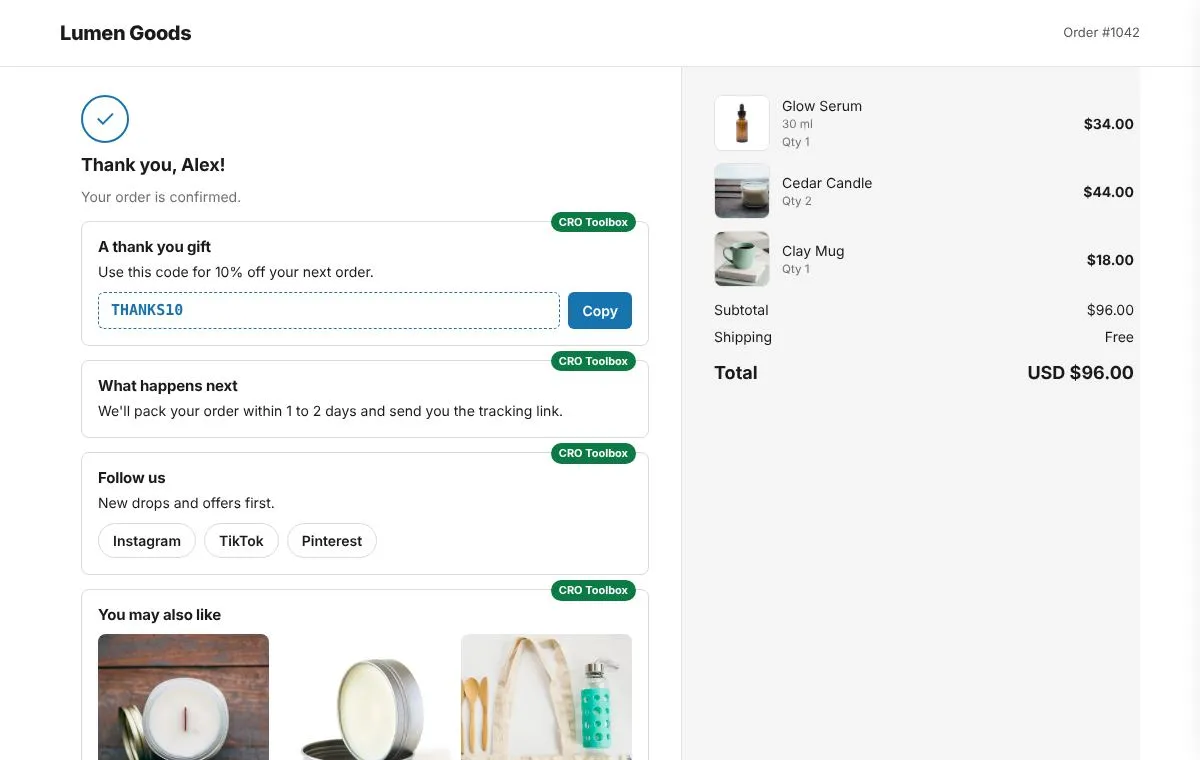
The thank you page comes next. CRO Toolbox can add modules there: a discount code for the next order with a copy button, a message, follow us buttons and product suggestions. It works on every Shopify plan.
Upsells before and after payment
| Offer | When the shopper sees it | Plan |
|---|---|---|
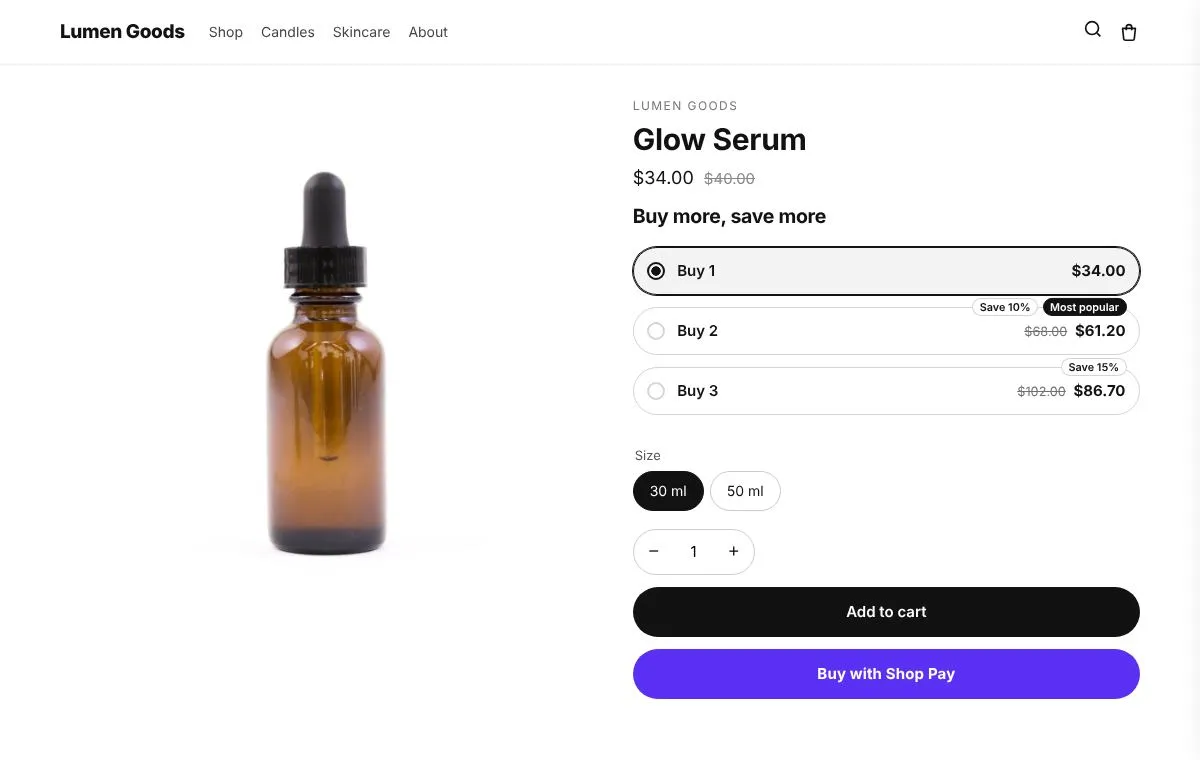
| Quantity breaks and size upgrades | On the product page, before adding to cart | Free |
| Cross sell offers | On the product page, the cart page and the cart drawer | Free |
| After purchase offer | Right after payment, before the thank you page | Free |
| Thank you page modules | On the thank you page, for the next order | Free |
Which plan you need
| Feature | Plan | Price and limits |
|---|---|---|
| After purchase offer | Free and above | Free: 3 offers on at once, 50 orders a month |
| Thank you page | Free and above | Free: 3 offers on at once, 50 orders a month |
| Upsell offers | Free and above | Free: 3 offers on at once, 50 orders a month |
Prices in US dollars, billed by Shopify. Every plan and its limits: pricing.
See it on a demo store
The live demos show the app's real storefront blocks on a sample store, so you can click through them before you install.
Questions
What is a post purchase upsell?
An offer shown right after the shopper pays and before the thank you page. Accepting adds the product to the order they just placed, without entering card details again.
Does the shopper have to pay again?
They accept with one click and don't type their card details again. Before accepting they see the price, shipping and taxes; Shopify's buttons read "Pay now" and "Decline this offer".
Is the extra product shipped with the first order?
Yes. Shopify adds it to the same order and shipment.
Which payment methods show the offer?
Shopify shows after purchase offers for card and Shop Pay payments.
How do I turn it on?
Set up the offer in CRO Toolbox (Offers → Upsell → After purchase), then in Shopify open Settings → Checkout and under Post purchase page choose CRO Toolbox.
Which plan do I need?
The after purchase offer is on the Free plan and uses one of the plan's offers on at once; thank you page modules are on the Free plan. The Free plan allows 3 offers on at once and 50 orders a month; paid plans start at $5.99 a month. See pricing.
Be first to install CRO Toolbox
CRO Toolbox is on its way to the Shopify App Store. The install button on this site will go straight to the listing the day it's live, with the Free plan and a 14 day trial on every paid plan.