Shopify order tracking page, on your own store
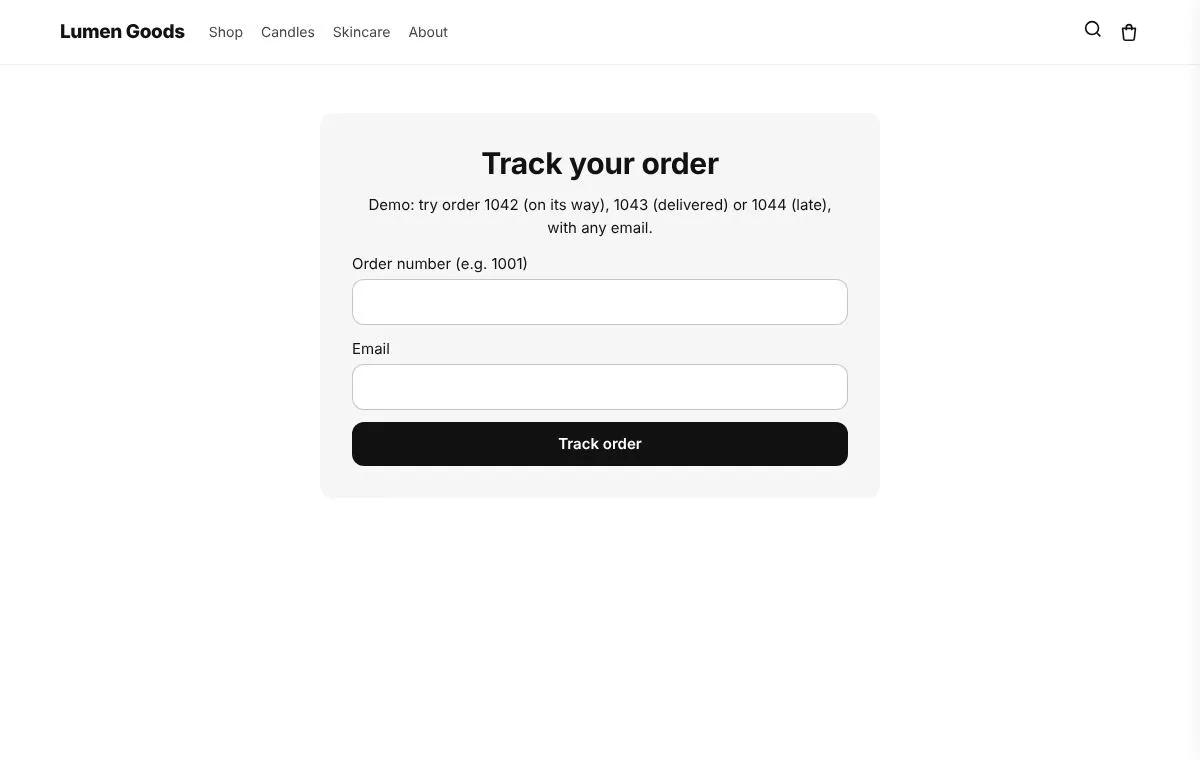
An order tracking page lets shoppers look up their order on your store with the order number and email and see where it is, so they don't have to email you to ask. CRO Toolbox makes the page for you on Shopify and shows the delivery status, tracking number, carrier link and dates, with optional product rows under the order.
Last updated
Why a tracking page on your own store
Shopify sends shipping emails and has an order status page, but shoppers lose the email and then write to you. A Track your order page in your menu or footer answers "where is my order?" at any time, with nothing more than the order number and email.
The page is on your store, not the carrier's site, so it keeps your look and can show products the shopper may want next.
What shoppers see
- The status: Info received, In transit, Out for delivery, Delivered and Problem.
- The tracking number and the carrier's tracking link.
- Dates: the estimated delivery and the delivered date when Shopify has them, and the latest place when it is known.
- Product rows under the order: "You may also like" and "Complete your order", from the order's collections, products bought together in your orders, or products you choose. Products already in the order are never shown, and only products in stock.
The page has ready made looks, and you set its words, colours and width in the app.
How to set it up
- Install CRO Toolbox and open Tracking & Returns.
- Choose where tracking comes from. Shopify's data is the default.
- Click Make the pages: the app creates the "Track your order" and "Returns" pages in your store.
- Click Open the theme editor, choose Add block, CRO Toolbox, Order & wishlist pages, and save. It shows only on those two pages.
- Add the Track your order page to your menu or footer.
Until Shopify approves the app's access to all orders, orders older than 60 days can't be found on the page.
Where tracking comes from
| Source | What it gives | Plan |
|---|---|---|
| Shopify's tracking data | The status, tracking number, estimated delivery and any events Shopify has for the shipment. Every country, at no extra cost. | Growth ($19.99 a month) |
| Your own key | A key from your shipping company or tracking service. No limit from us. | Growth ($19.99 a month) |
| Webhook link | For carriers or services that send you updates: every update shows on the page. | Growth ($19.99 a month) |
Which plan you need
| Feature | Plan | Price and limits |
|---|---|---|
| Track order page | Growth and above | $19.99 a month or $199 a year, 14 day free trial, 1,000 orders a month |
| Returns | Growth and above | $19.99 a month or $199 a year, 14 day free trial, 1,000 orders a month |
Prices in US dollars, billed by Shopify. Every plan and its limits: pricing.
See it on a demo store
The live demos show the app's real storefront blocks on a sample store, so you can click through them before you install.
Track order pageA page where shoppers look up their order and its delivery status, and that sells too: recommendations, a next order discount, buy again, an after delivery message and an apology for late orders.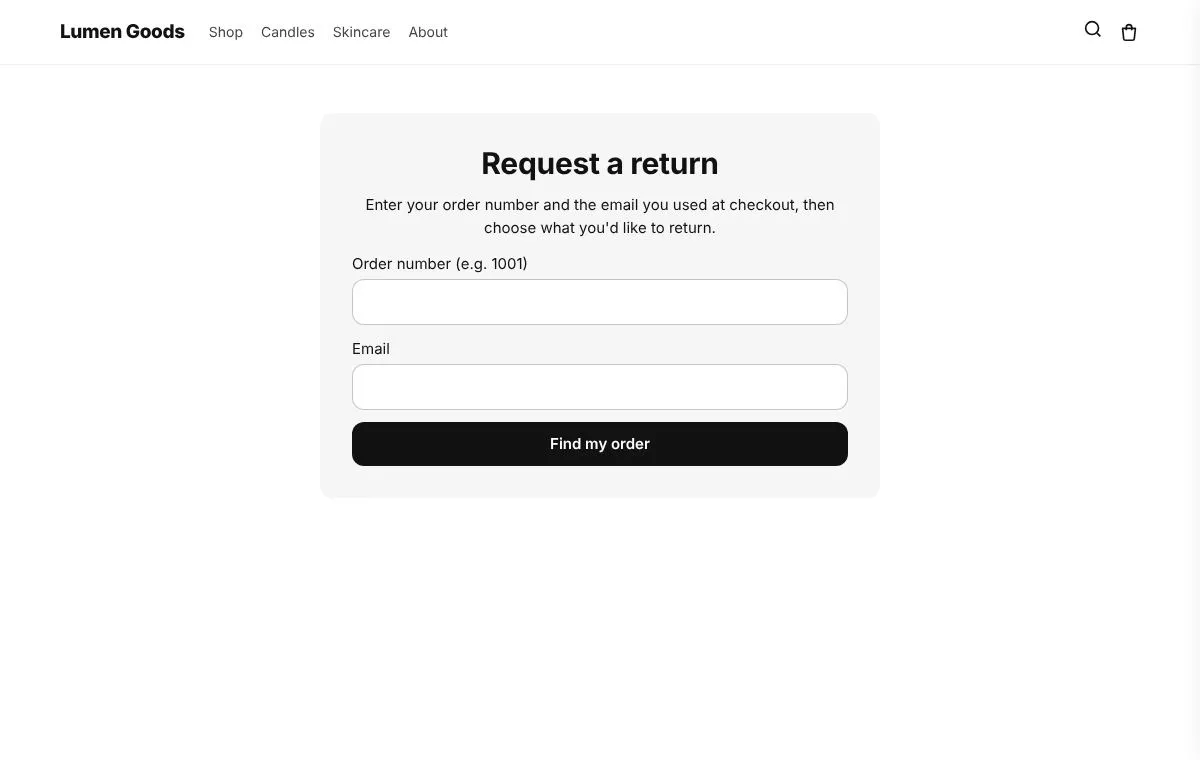 ReturnsA page where shoppers ask for a return. It becomes a real Shopify return you approve, send a label for and refund.
Questions
How do customers track an order on a Shopify store?
Shopify's shipping emails and order status page show tracking for that order. A tracking page on your store lets shoppers look it up at any time with the order number and email, without finding the email.
What do shoppers need to look up an order?
The order number and the email used for the order.
Where does the tracking information come from?
From Shopify's tracking data by default. On Growth, you can also use your own key from a shipping company or tracking service, a webhook link, or updates you type.
Can I show products on the tracking page?
Yes. Up to two rows under the order, "You may also like" and "Complete your order", from the order's collections, products bought together in your orders, or products you pick. Products already in the order are never shown, only products in stock.
Can shoppers find old orders?
Orders from the last 60 days, and older ones once Shopify approves the app's access to all orders.
Which plan do I need?
The Track order page is on the Growth plan ($19.99 a month or $199 a year, with a 14 day free trial). See pricing.
Be first to install CRO Toolbox
CRO Toolbox is on its way to the Shopify App Store. The install button on this site will go straight to the listing the day it's live, with the Free plan and a 14 day trial on every paid plan.