Shopify returns app: returns, exchanges and store credit
A returns app gives shoppers a page on your store to ask for a return, and turns each request into a Shopify return you approve, send a label for and refund. CRO Toolbox does this on Shopify, and on the Pro plan it can offer an exchange or store credit with a bonus before a refund, approve returns by rule and put items back in stock.
Last updated
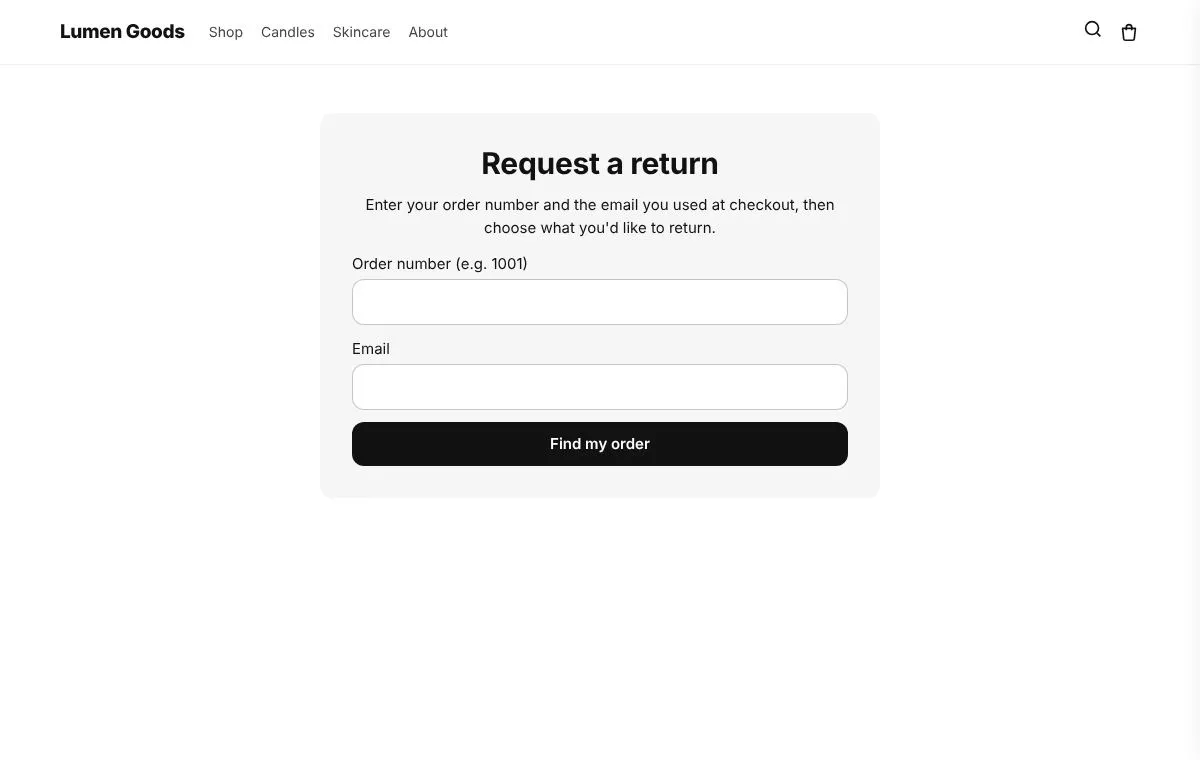
What a Shopify returns app does
Without one, returns arrive by email: you ask for the order number, the items and the reason, then create the return in Shopify by hand. A returns app puts a form on your store that collects all of that, applies your rules, and creates the return in Shopify for you.
A returns app can also try to keep the sale: an exchange for another size, or store credit, before a refund.
How returns work in CRO Toolbox
- Shoppers ask for a return on your Returns page with the order number and email, and choose the items and a reason.
- Each request is a real Shopify return you approve or decline in the app, and Shopify emails the shopper.
- Your rules: the return window, products that can't be returned, reasons approved at once, and your return address.
- Upload your return label for the shopper, then refund when the items arrive.
Exchanges and store credit (Pro)
- Store credit instead of a refund, with an optional bonus such as 10% extra. It is given as a refund to Shopify store credit on the customer's account, so the order shows the money as refunded. The shopper sees the credit on the Returns page.
- Exchanges for another size or colour of the same product that is in stock. The shopper sees the price difference before sending. When you approve, the app makes the Shopify return with the exchange, and the new shipment waits on hold until you mark the items as arrived.
- Approve by rule: reason, product tag, order value and days since delivery.
- Back in stock: returned items go back into stock at your location.
Refunds to the original payment stay available for every shopper. If an exchange costs more, you send the invoice from the order in Shopify; if it costs less, the difference is refunded.
How to set it up
- Install CRO Toolbox, open Tracking & Returns and approve the returns permission when Shopify asks.
- Click Make the pages: the app creates the "Track your order" and "Returns" pages in your store.
- Click Open the theme editor, choose Add block, CRO Toolbox, Order & wishlist pages, and save.
- Set your return window, products that can't be returned and your return address.
- Add the Returns page to your menu or footer.
What each plan includes
| Feature | What it does | Plan |
|---|---|---|
| Returns page | Shoppers ask for a return with the order number and email | Growth ($19.99 a month) |
| Real Shopify returns | Approve or decline in the app; Shopify emails the shopper | Growth ($19.99 a month) |
| Return rules | Return window, products that can't be returned, reasons approved at once, return address | Growth ($19.99 a month) |
| Labels and refunds | Upload a return label, refund when the items arrive | Growth ($19.99 a month) |
| Store credit with a bonus | Credit instead of a refund, as a refund to Shopify store credit | Pro ($39.99 a month) |
| Exchanges | Another size or colour, with the new shipment held until the items arrive | Pro ($39.99 a month) |
| Approve by rule and restock | Rules by reason, tag, order value and days since delivery; items back in stock | Pro ($39.99 a month) |
Which plan you need
| Feature | Plan | Price and limits |
|---|---|---|
| Returns | Growth and above | $19.99 a month or $199 a year, 14 day free trial, 1,000 orders a month |
| Return saving rules | Pro and above | $39.99 a month or $399 a year, 14 day free trial, unlimited orders |
| Track order page | Growth and above | $19.99 a month or $199 a year, 14 day free trial, 1,000 orders a month |
Prices in US dollars, billed by Shopify. Every plan and its limits: pricing.
See it on a demo store
The live demos show the app's real storefront blocks on a sample store, so you can click through them before you install.
ReturnsA page where shoppers ask for a return. It becomes a real Shopify return you approve, send a label for and refund.Return saving rulesOffer store credit (with a bonus) or an exchange before a refund, approve returns by rule and put returned items back in stock.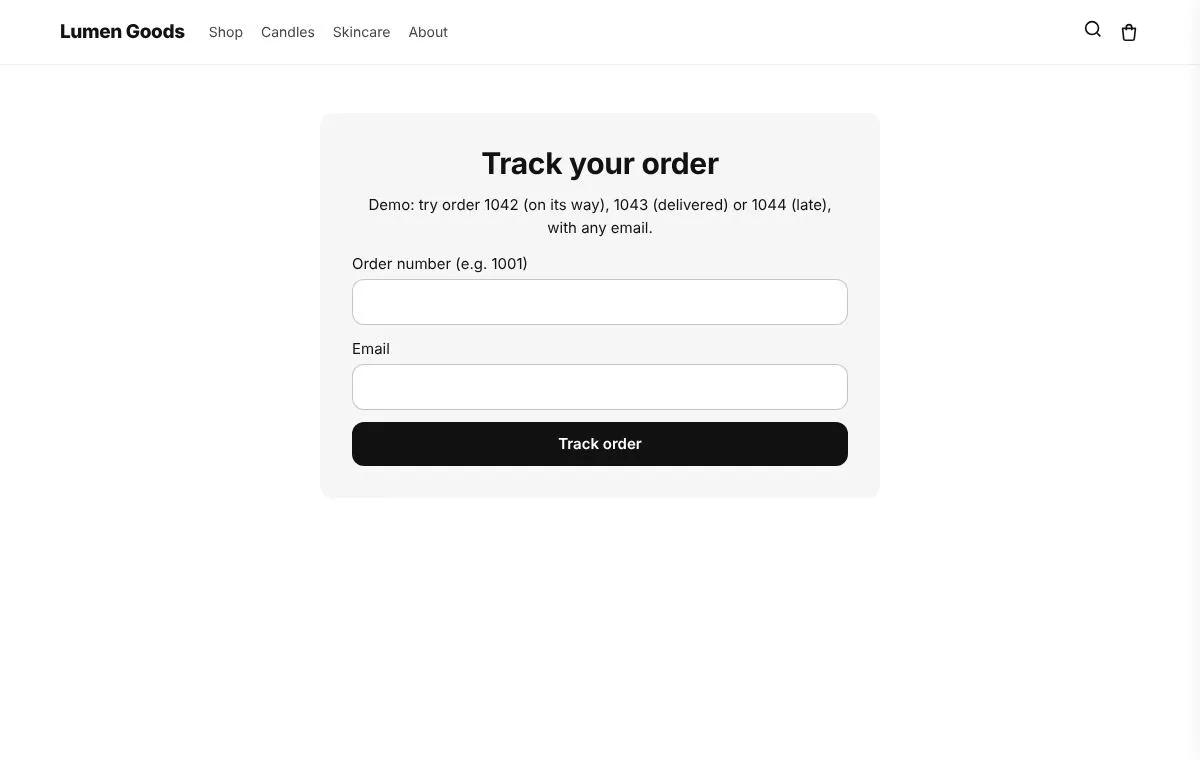 Track order pageA page where shoppers look up their order and its delivery status, and that sells too: recommendations, a next order discount, buy again, an after delivery message and an apology for late orders.
Questions
Does CRO Toolbox create real Shopify returns?
Yes. Each request from the Returns page becomes a Shopify return that you approve or decline in the app, and Shopify emails the shopper.
Can shoppers exchange an item for another size or colour?
Yes, on the Pro plan. The shopper picks another variant of the same product that is in stock and sees the price difference before sending. The new shipment waits on hold until you mark the returned items as arrived.
Can I offer store credit instead of a refund?
Yes, on the Pro plan, with an optional bonus such as 10% extra. The credit is a refund to Shopify store credit on the customer's account.
Can shoppers still get a refund?
Yes. Refunds to the original payment stay available for every shopper.
Who sends the return label?
You do: upload your return label in the app for the shopper, then refund when the items arrive.
Which plan do I need?
Returns are on the Growth plan ($19.99 a month). Exchanges, store credit, approve by rule and restocking are on the Pro plan ($39.99 a month). Both have a 14 day free trial. See pricing.
Be first to install CRO Toolbox
CRO Toolbox is on its way to the Shopify App Store. The install button on this site will go straight to the listing the day it's live, with the Free plan and a 14 day trial on every paid plan.