Shopify before after slider: before and after in CRO Toolbox
A before and after slider shows two pictures in one frame that the shopper drags to compare, for results such as cleaning, skin care or repairs. CRO Toolbox has it as before and after: two pictures with a handle shoppers drag to compare. It is on the Starter plan and above, in the same app as upsells, bundles, a loyalty program and a Track order page.
Last updated
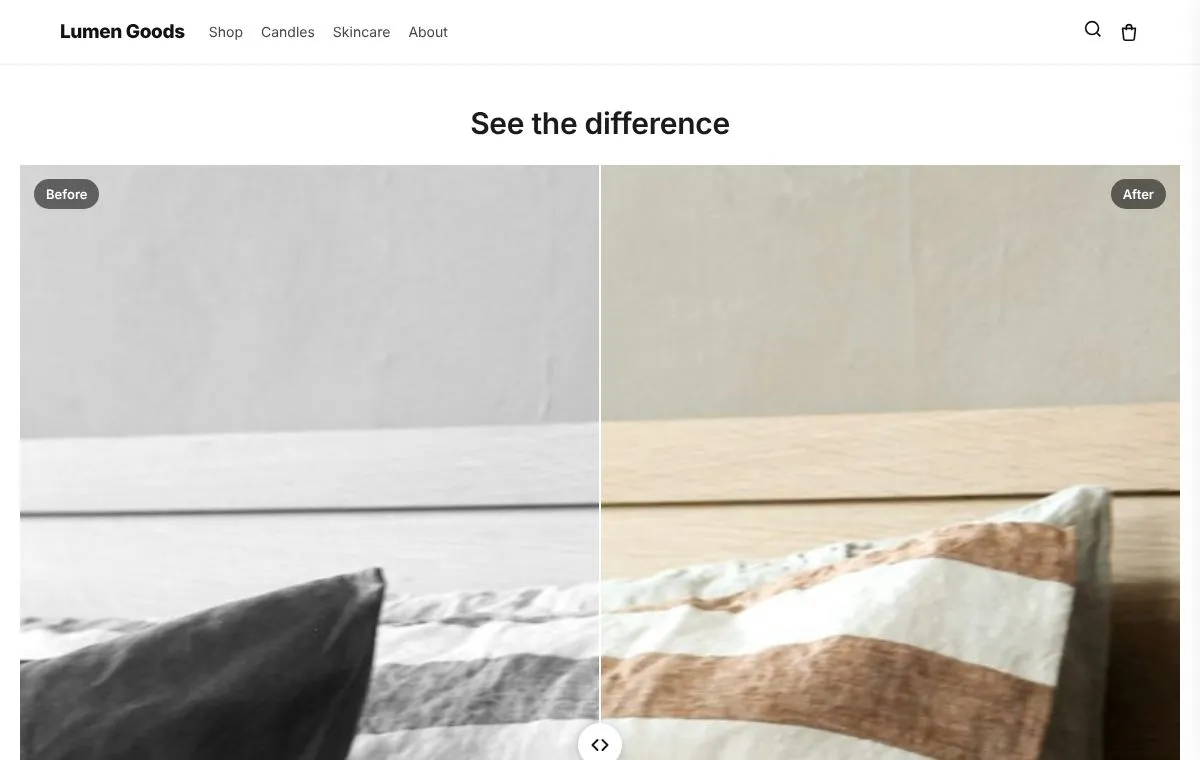
Why get before and after in CRO Toolbox
- One app instead of several. On the Starter plan ($5.99 a month) you also get: unlimited offers; every bundle and discount type; add-ons and personalization; gift note and delivery date; quiz, carousels and store pages; connect AI assistants to your store.
- Order value and repeat orders together. Upsells, bundles and cart offers raise what each order is worth (AOV); the loyalty program, the Track page and returns that keep the sale bring customers back (LTV).
- One look, one menu. Every feature shares the same design style and is set up in one app with a live preview.
- Fits your theme, no code. It is a theme app block for any Online Store 2.0 theme, placed in the theme editor; your theme's code is never edited.
Before and after in CRO Toolbox
For products whose result shows in a picture: skincare, cleaning, repairs, restoration.
- Two pictures with a handle shoppers drag
- Side to side or top to bottom
- Labels, a caption and three handle styles
- Works with a mouse, a finger and the keyboard
How to set it up
- Install CRO Toolbox from the Shopify App Store.
- Open Before and after in the app, pick a template and set it up with the live preview.
- Click Add to theme: the theme editor opens with the block ready. Place it and save.
Which plan you need
| Feature | Plan | Price and limits |
|---|---|---|
| Before and after | Starter and above | $5.99 a month or $59 a year, 14 day free trial, 500 orders a month |
| Image carousel | Starter and above | $5.99 a month or $59 a year, 14 day free trial, 500 orders a month |
| Customer reviews | Free and above | Free: 3 offers on at once, 50 orders a month |
| Shoppable image | Growth and above | $19.99 a month or $199 a year, 14 day free trial, 1,000 orders a month |
Prices in US dollars, billed by Shopify. Every plan and its limits: pricing.
See it on a demo store
The live demos show the app's real storefront blocks on a sample store, so you can click through them before you install.
Before and afterTwo pictures with a handle shoppers drag to compare.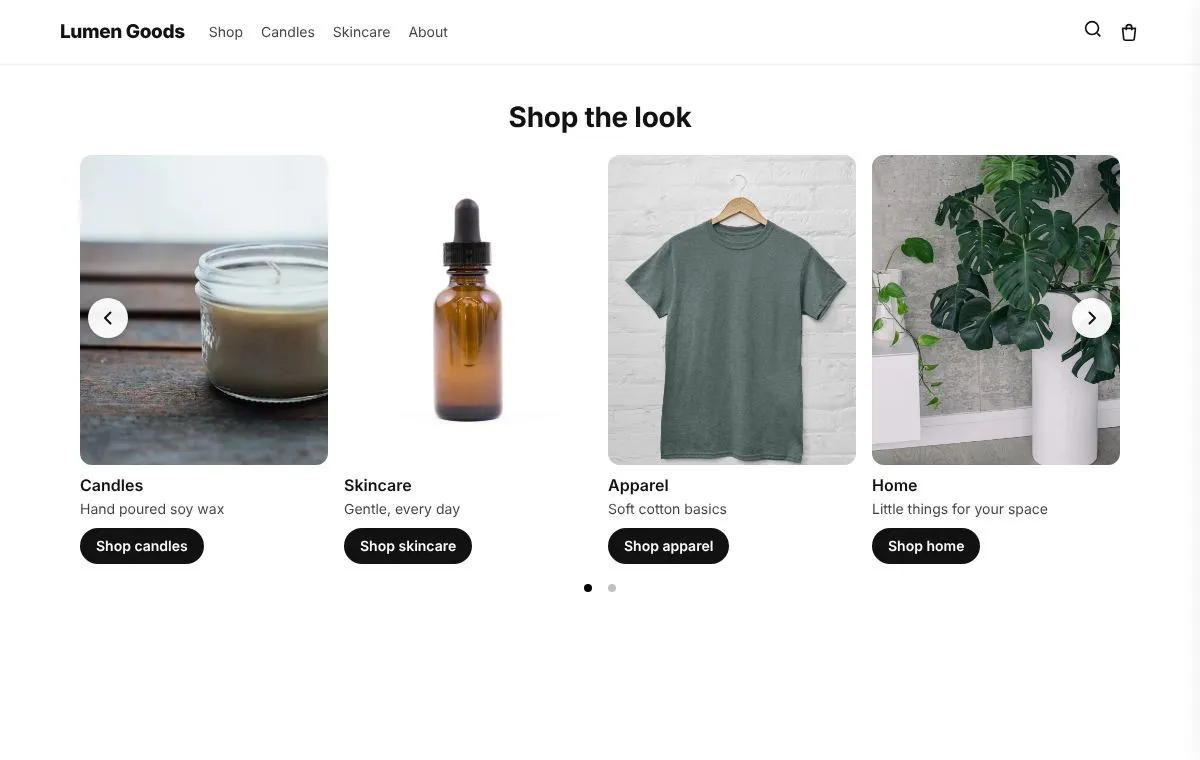 Image carouselPictures that scroll, each with an optional title, text, button and link.
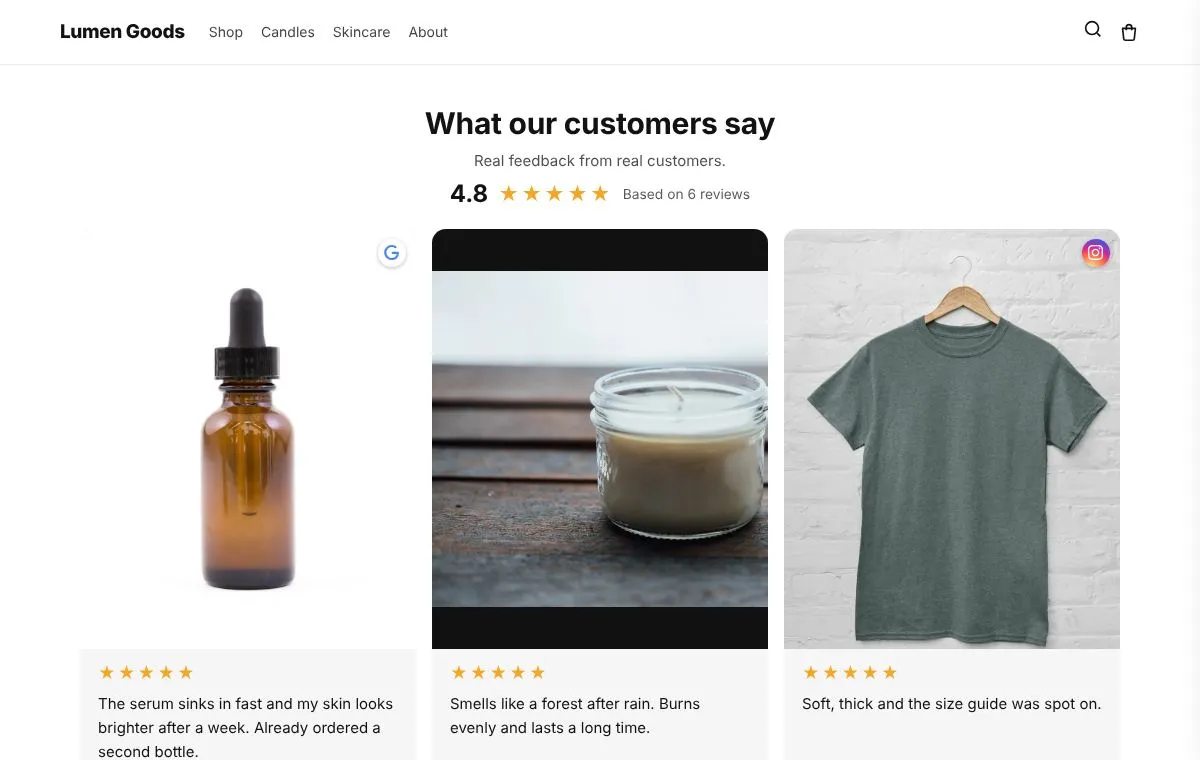 Customer reviewsText, photo and video reviews with WhatsApp, Instagram and TikTok badges.
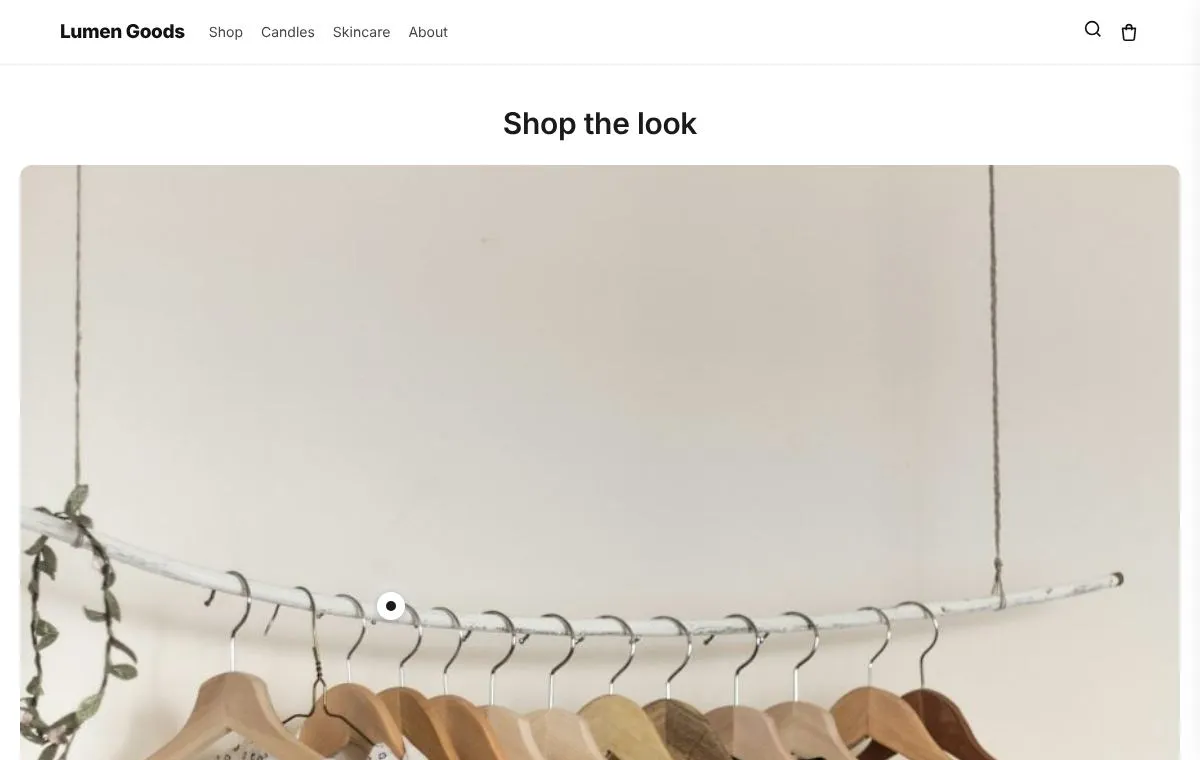 Shoppable imageA picture with dots on your products; a tap shows the product with Add to cart.
Questions
What is the best value before after slider for Shopify?
If you also want upsells, bundles or a loyalty program, an app that includes them saves paying for several. CRO Toolbox has before and after on the Starter plan ($5.99 a month), together with unlimited offers, every bundle and discount type, add-ons and personalization.
Which plan includes before and after?
On the Starter plan and above. Paid plans have a 14 day free trial. See pricing.
Does it work with my theme?
Yes, with any Online Store 2.0 theme. You set it up in the app and place it in the theme editor; your theme's code is never edited.
Do I need to write code?
No. Everything is set up in the app with a live preview.
How do I set it up?
Install CRO Toolbox from the Shopify App Store. Open Before and after in the app, pick a template and set it up with the live preview. Click Add to theme: the theme editor opens with the block ready. Place it and save.
Be first to install CRO Toolbox
CRO Toolbox is on its way to the Shopify App Store. The install button on this site will go straight to the listing the day it's live, with the Free plan and a 14 day trial on every paid plan.