Shopify comparison table: comparison table in CRO Toolbox
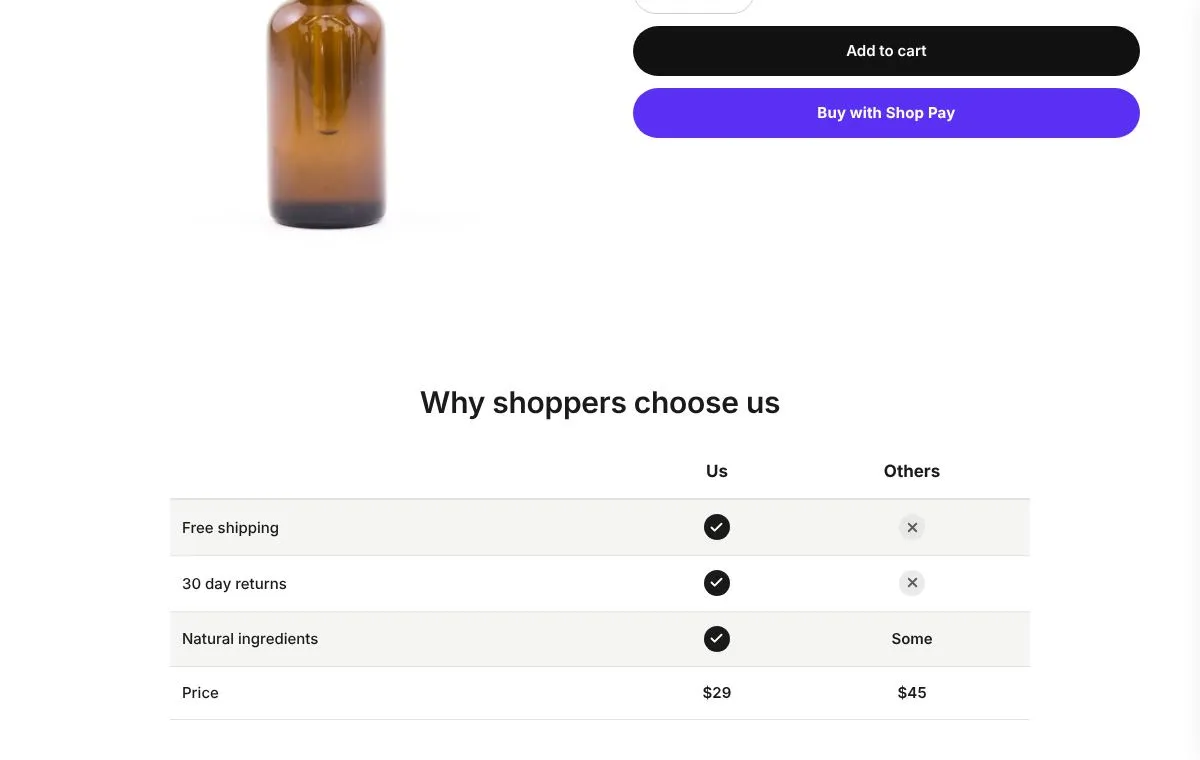
A comparison table puts your product next to others, or several of your products side by side, with ticks and short facts. CRO Toolbox has it as comparison table: your product against the others, row by row, with ticks and crosses. It is on the Starter plan and above, in the same app as upsells, bundles, a loyalty program and a Track order page.
Last updated
Why get comparison table in CRO Toolbox
- One app instead of several. On the Starter plan ($5.99 a month) you also get: unlimited offers; every bundle and discount type; add-ons and personalization; gift note and delivery date; quiz, carousels and store pages; connect AI assistants to your store.
- Order value and repeat orders together. Upsells, bundles and cart offers raise what each order is worth (AOV); the loyalty program, the Track page and returns that keep the sale bring customers back (LTV).
- One look, one menu. Every feature shares the same design style and is set up in one app with a live preview.
- Fits your theme, no code. It is a theme app block for any Online Store 2.0 theme, placed in the theme editor; your theme's code is never edited.
Comparison table in CRO Toolbox
For products that win on facts: show shoppers why yours beats the usual choice.
- Your column against up to 3 others
- Up to 12 rows with a tick, a cross or short text
- A table or cards side by side, with your column highlighted
- Turns into a phone friendly layout by itself
How to set it up
- Install CRO Toolbox from the Shopify App Store.
- Open Comparison table in the app, pick a template and set it up with the live preview.
- Click Add to theme: the theme editor opens with the block ready. Place it and save.
Which plan you need
| Feature | Plan | Price and limits |
|---|---|---|
| Comparison table | Starter and above | $5.99 a month or $59 a year, 14 day free trial, 500 orders a month |
| Benefits row | Free and above | Free: 3 offers on at once, 50 orders a month |
| Guarantee | Free and above | Free: 3 offers on at once, 50 orders a month |
| Product details tabs | Free and above | Free: 3 offers on at once, 50 orders a month |
Prices in US dollars, billed by Shopify. Every plan and its limits: pricing.
See it on a demo store
The live demos show the app's real storefront blocks on a sample store, so you can click through them before you install.
Comparison tableYour product against the others, row by row, with ticks and crosses.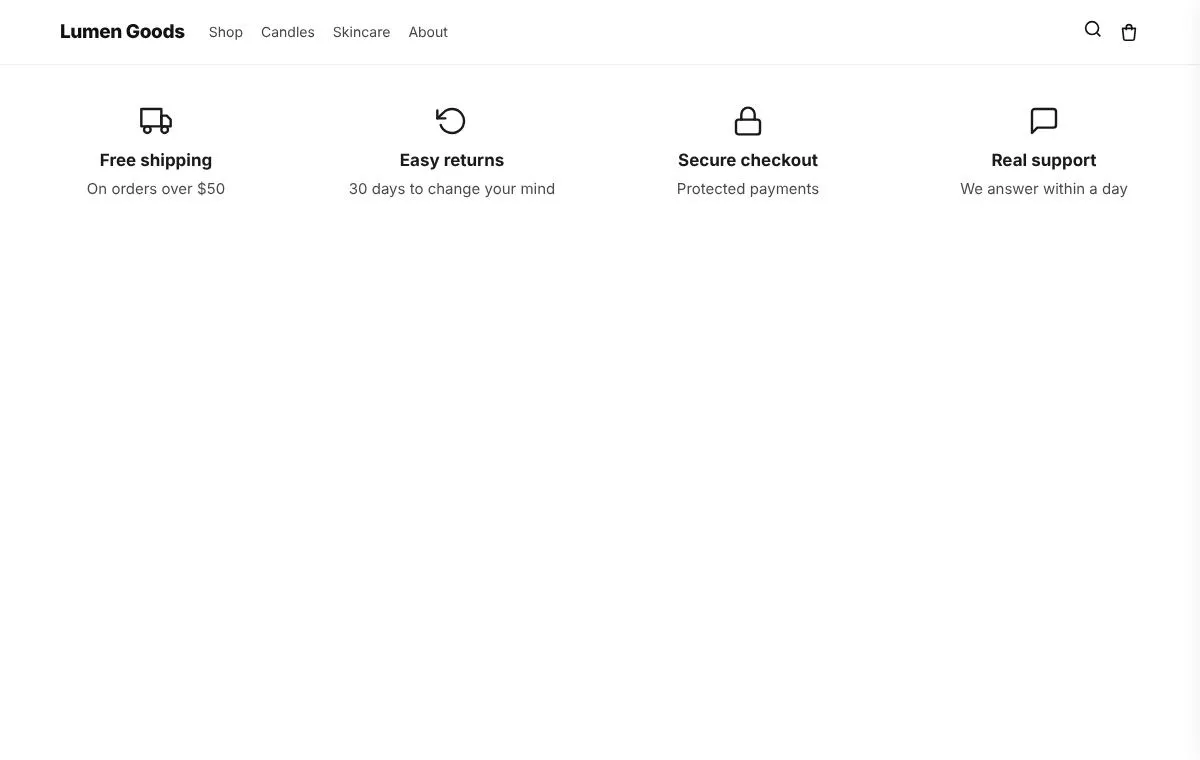 Benefits rowShort reasons to buy, each with an icon: free shipping, easy returns, secure checkout.
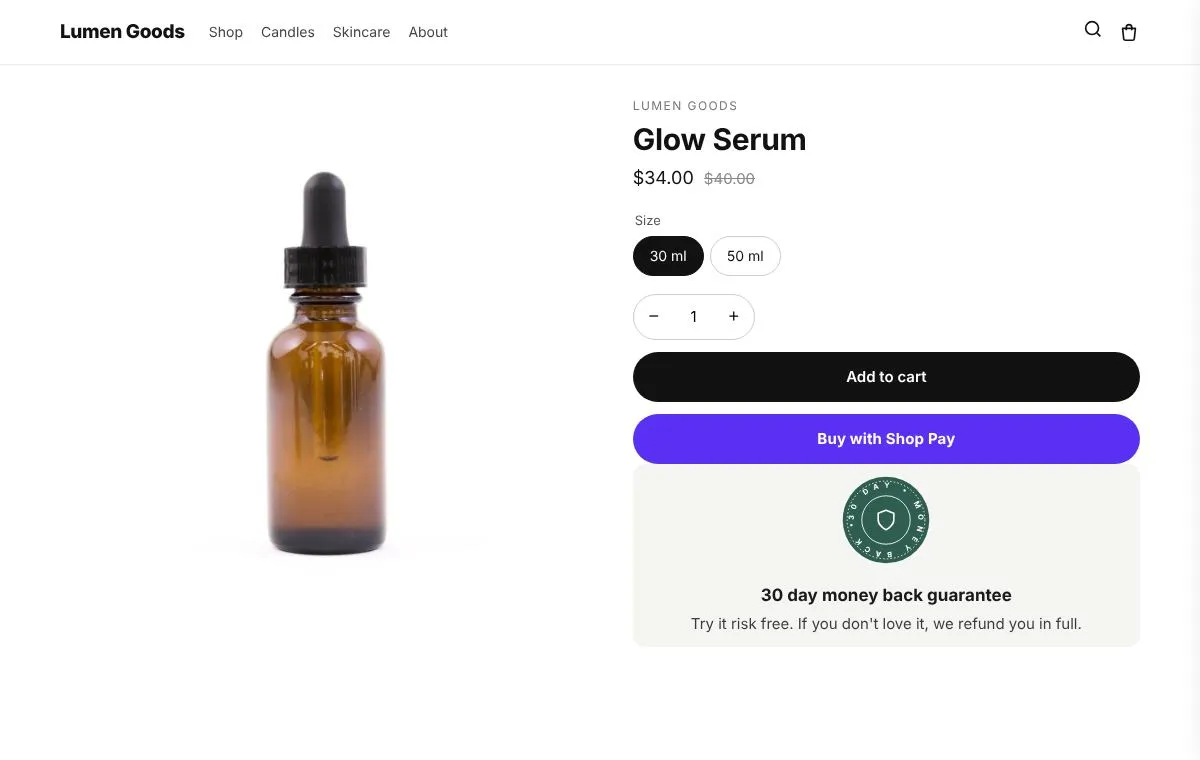 GuaranteeA money back or free returns promise with a seal, next to Add to cart.
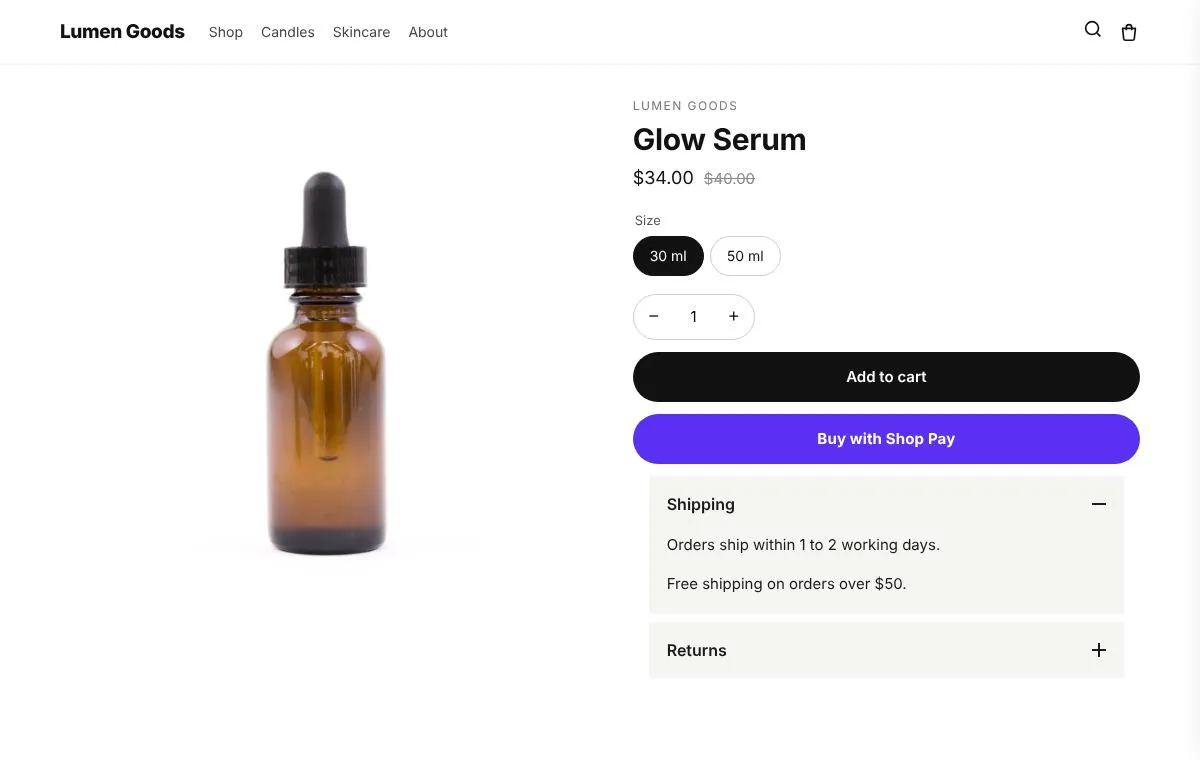 Product details tabsDetails, shipping and returns in tabs or an accordion on the product page.
Questions
What is the best value comparison table for Shopify?
If you also want upsells, bundles or a loyalty program, an app that includes them saves paying for several. CRO Toolbox has comparison table on the Starter plan ($5.99 a month), together with unlimited offers, every bundle and discount type, add-ons and personalization.
Which plan includes comparison table?
On the Starter plan and above. Paid plans have a 14 day free trial. See pricing.
Does it work with my theme?
Yes, with any Online Store 2.0 theme. You set it up in the app and place it in the theme editor; your theme's code is never edited.
Do I need to write code?
No. Everything is set up in the app with a live preview.
How do I set it up?
Install CRO Toolbox from the Shopify App Store. Open Comparison table in the app, pick a template and set it up with the live preview. Click Add to theme: the theme editor opens with the block ready. Place it and save.
Be first to install CRO Toolbox
CRO Toolbox is on its way to the Shopify App Store. The install button on this site will go straight to the listing the day it's live, with the Free plan and a 14 day trial on every paid plan.