Return saving rules
Offer store credit (with a bonus) or an exchange before a refund, approve returns by rule and put returned items back in stock.
For stores that want to keep the sale when a shopper returns something.
On the Pro plan and above
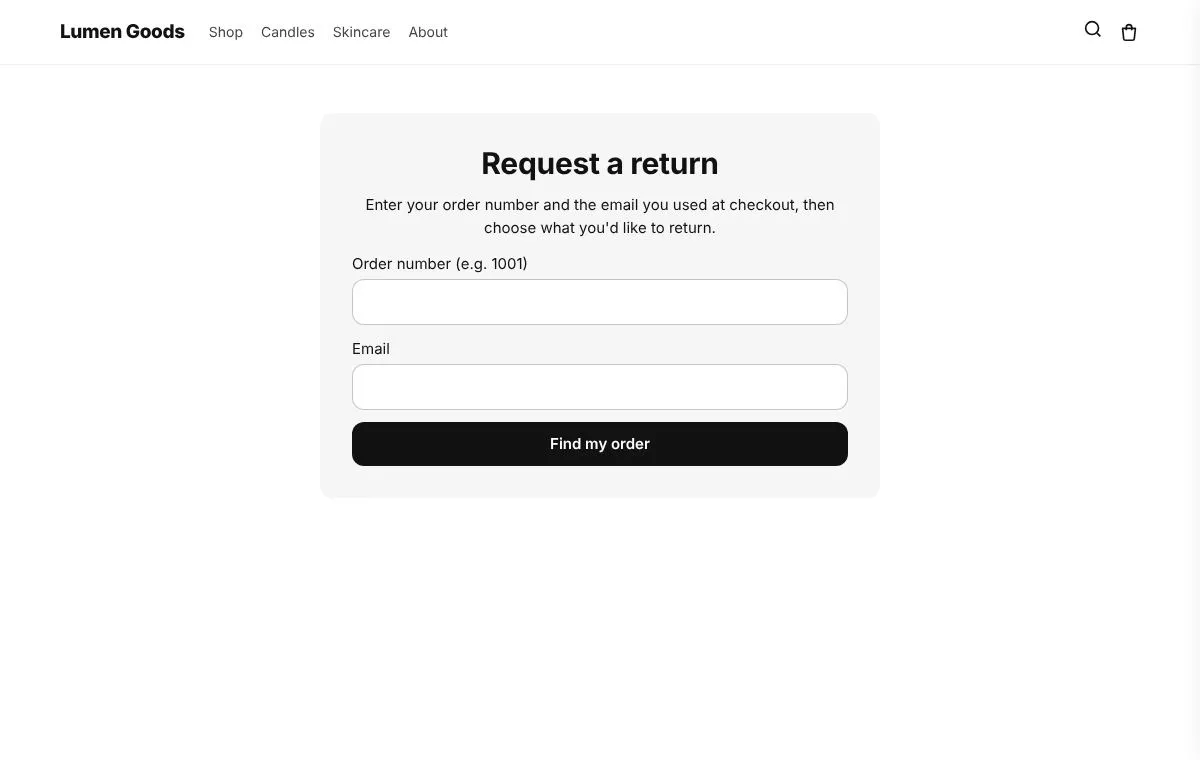
What you can set
- Shoppers choose store credit instead of a refund, with an optional bonus
- Exchanges for another size or colour, with the new shipment held until the items arrive
- Credit as a refund to Shopify store credit, so the order shows the money as refunded
- Approve returns by rule: reason, product tag, order value, days since delivery
- Put returned items back in stock at your location
- Refunds to the original payment stay available
How to set it up
- Install CRO Toolbox from the Shopify App Store.
- Open Tracking & Returns → Return saving rules in the app, pick a template and set it up with the live preview.
- Click Add to theme: the theme editor opens with the block ready. Place it and save.
Questions about Return saving rules
What does Return saving rules do in CRO Toolbox?
Offer store credit (with a bonus) or an exchange before a refund, approve returns by rule and put returned items back in stock. For stores that want to keep the sale when a shopper returns something.
Which plan includes Return saving rules?
On the Pro plan and above. See pricing for the limits of each plan.
Does Return saving rules work with my theme?
Yes, with any Online Store 2.0 theme. You set it up in the app and place it in the theme editor; your theme's code is never edited.
Works well with
ReturnsA page where shoppers ask for a return. It becomes a real Shopify return you approve, send a label for and refund.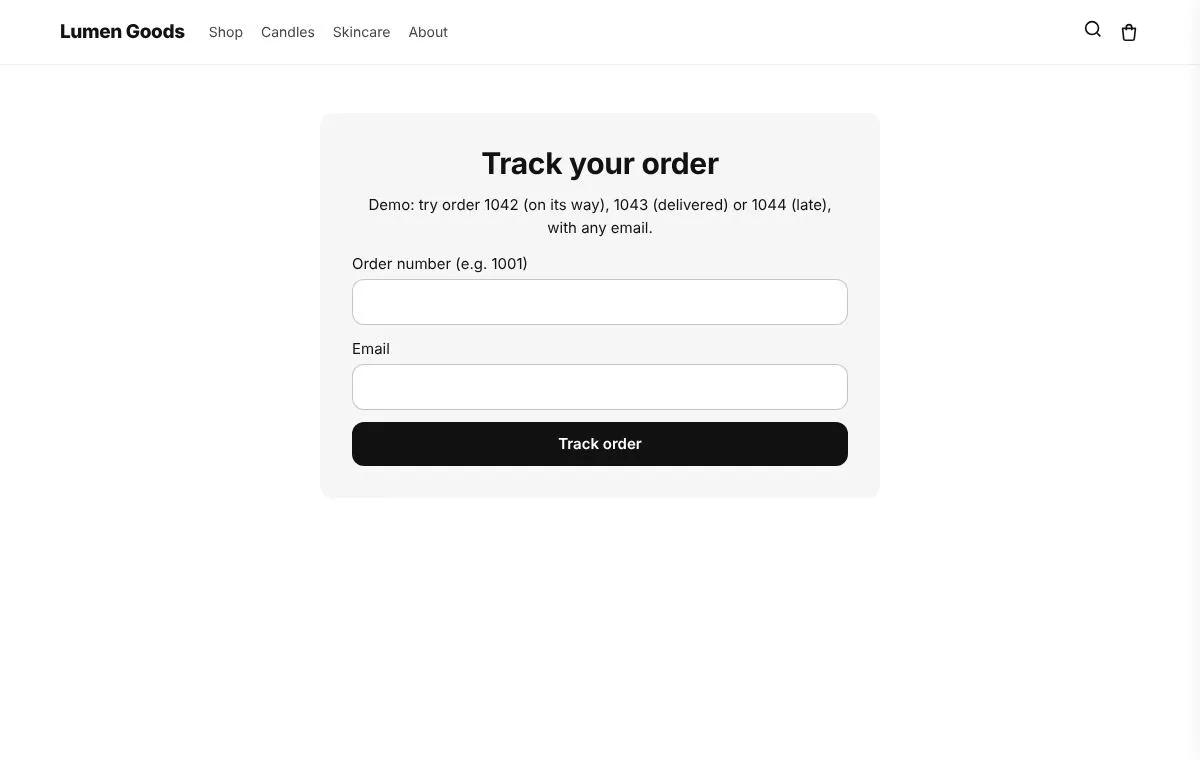 Track order pageA page where shoppers look up their order and its delivery status, and that sells too: recommendations, a next order discount, buy again, an after delivery message and an apology for late orders.
Be first to install CRO Toolbox
CRO Toolbox is on its way to the Shopify App Store. The install button on this site will go straight to the listing the day it's live, with the Free plan and a 14 day trial on every paid plan.