Shopify product tabs: product details tabs in CRO Toolbox
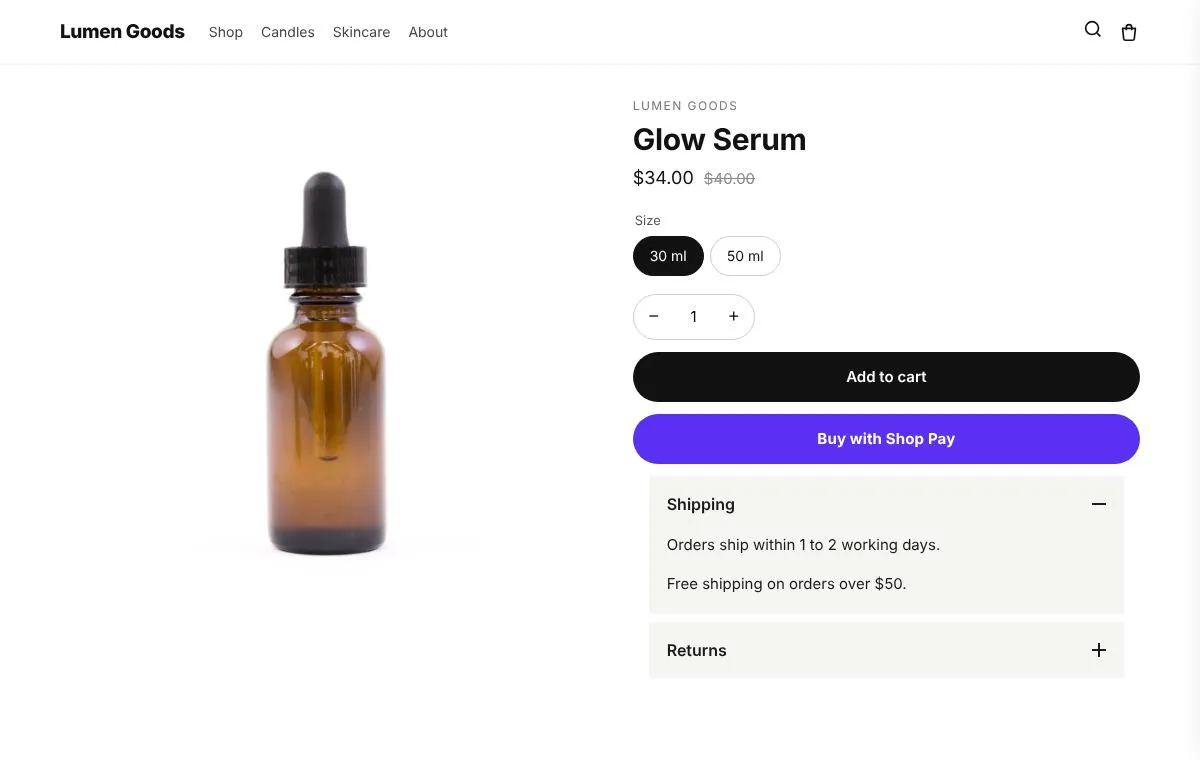
Product tabs group long product details, such as ingredients, sizing and care, into tabs or panels that open on click. CRO Toolbox has it as product details tabs: details, shipping and returns in tabs or an accordion on the product page. It is included on the Free plan, in the same app as upsells, bundles, a loyalty program and a Track order page.
Last updated
Why get product details tabs in CRO Toolbox
- One app instead of several. On the Free plan you also get: cart offers and announcement bars; reviews, FAQ and wishlist; sales pop-ups and trust badges; after purchase offer and thank you.
- Order value and repeat orders together. Upsells, bundles and cart offers raise what each order is worth (AOV); the loyalty program, the Track page and returns that keep the sale bring customers back (LTV).
- One look, one menu. Every feature shares the same design style and is set up in one app with a live preview.
- Fits your theme, no code. It is a theme app block for any Online Store 2.0 theme, placed in the theme editor; your theme's code is never edited.
Product details tabs in CRO Toolbox
For long product pages: details, shipping and returns without the endless scroll.
- Tabs or an accordion
- The first tab can be the product's own description
- Up to 5 more tabs with the same text on every product, or a product's own text from a metafield
How to set it up
- Install CRO Toolbox from the Shopify App Store.
- Open Product details tabs in the app, pick a template and set it up with the live preview.
- Click Add to theme: the theme editor opens with the block ready. Place it and save.
Which plan you need
| Feature | Plan | Price and limits |
|---|---|---|
| Product details tabs | Free and above | Free: 3 offers on at once, 50 orders a month |
| Size guide | Starter and above | $5.99 a month or $59 a year, 14 day free trial, 500 orders a month |
| Delivery estimate | Starter and above | $5.99 a month or $59 a year, 14 day free trial, 500 orders a month |
| FAQ | Free and above | Free: 3 offers on at once, 50 orders a month |
Prices in US dollars, billed by Shopify. Every plan and its limits: pricing.
See it on a demo store
The live demos show the app's real storefront blocks on a sample store, so you can click through them before you install.
Product details tabsDetails, shipping and returns in tabs or an accordion on the product page.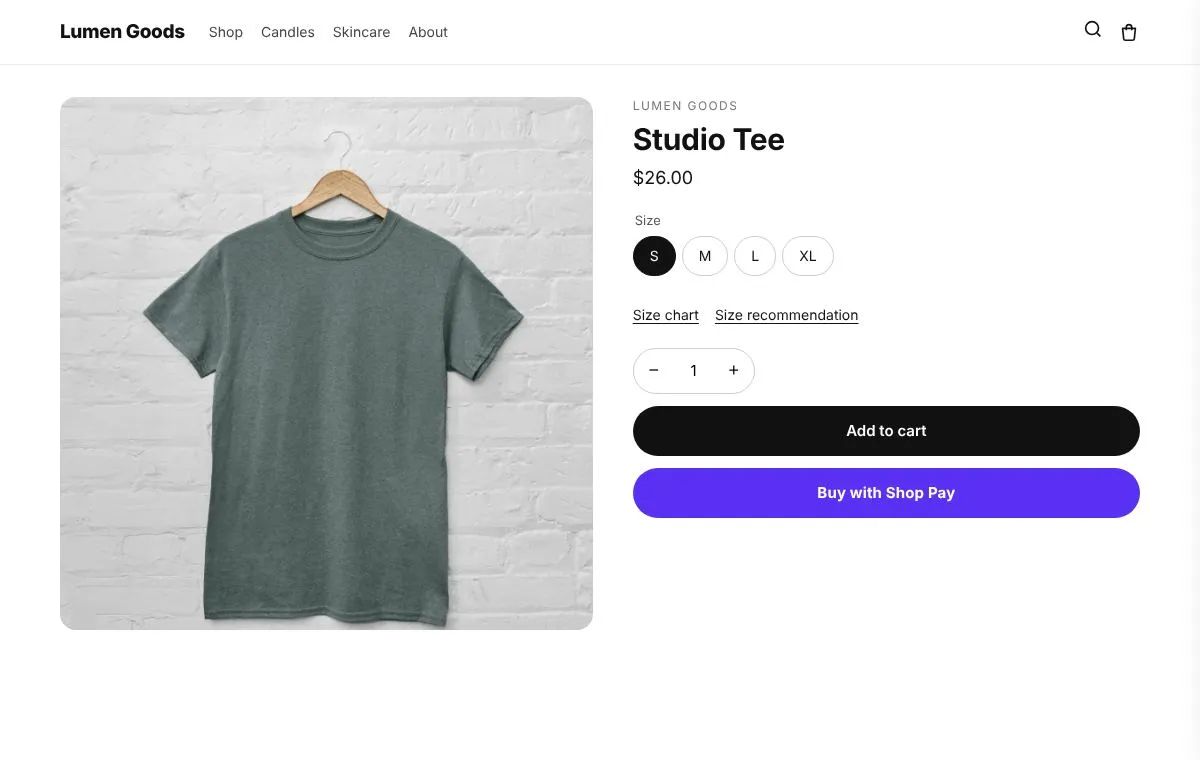 Size guideSize charts and a size finder on the product page. The finder asks the questions you pick and answers only from your own ranges and sizes.
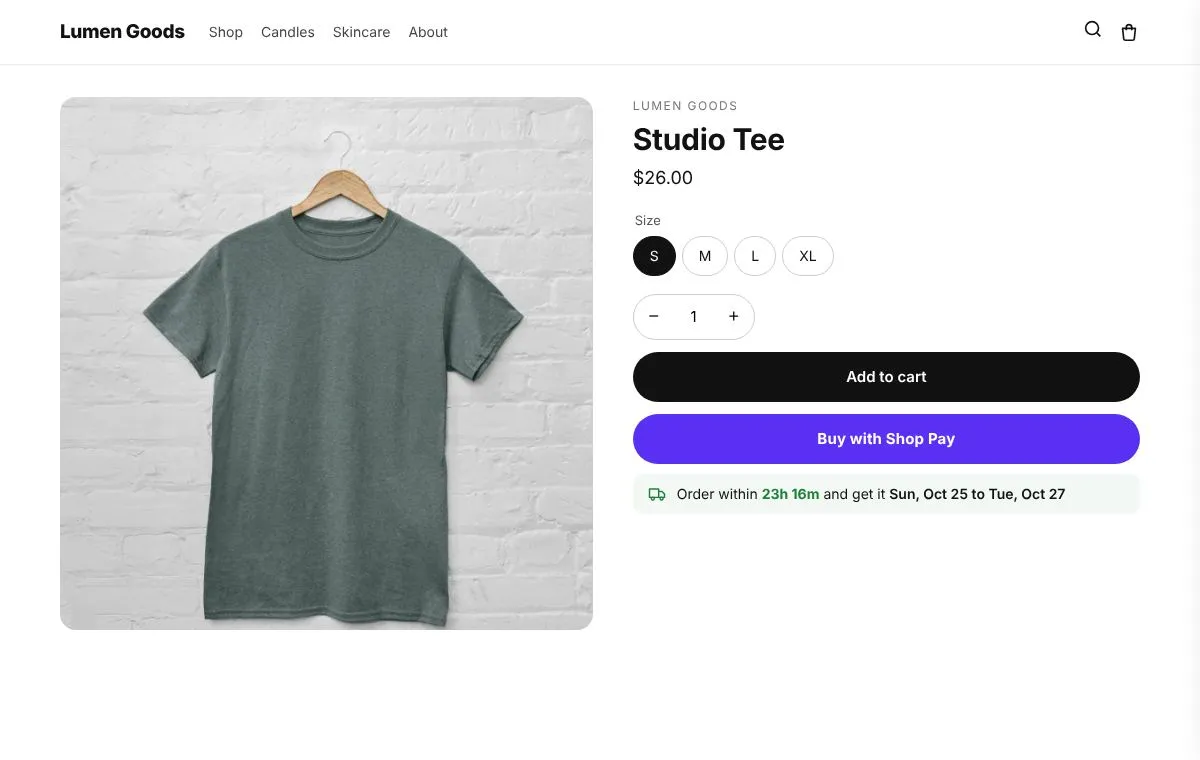 Delivery estimate"Order within 2h 15m and get it Thu to Sat" on product pages and the cart.
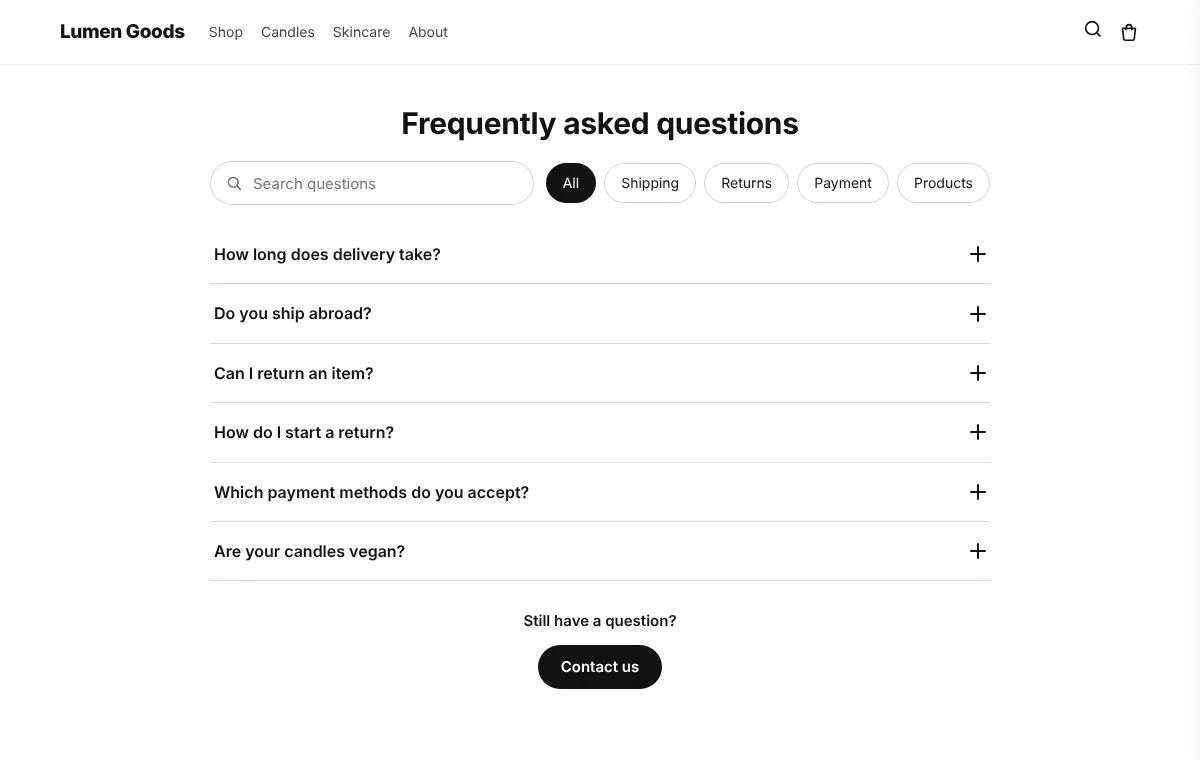 FAQQuestions and answers with search and group buttons.
Questions
What is the best value product tabs for Shopify?
If you also want upsells, bundles or a loyalty program, an app that includes them saves paying for several. CRO Toolbox has product details tabs on the Free plan, together with cart offers and announcement bars, reviews, FAQ and wishlist, sales pop-ups and trust badges.
Which plan includes product details tabs?
Included on the Free plan. Paid plans have a 14 day free trial. See pricing.
Does it work with my theme?
Yes, with any Online Store 2.0 theme. You set it up in the app and place it in the theme editor; your theme's code is never edited.
Do I need to write code?
No. Everything is set up in the app with a live preview.
How do I set it up?
Install CRO Toolbox from the Shopify App Store. Open Product details tabs in the app, pick a template and set it up with the live preview. Click Add to theme: the theme editor opens with the block ready. Place it and save.
Be first to install CRO Toolbox
CRO Toolbox is on its way to the Shopify App Store. The install button on this site will go straight to the listing the day it's live, with the Free plan and a 14 day trial on every paid plan.