An order tracking page that sells
What a Shopify order tracking page should show first, and how it can sell too: a next order discount code, Buy again, recommendations and a message for late orders.
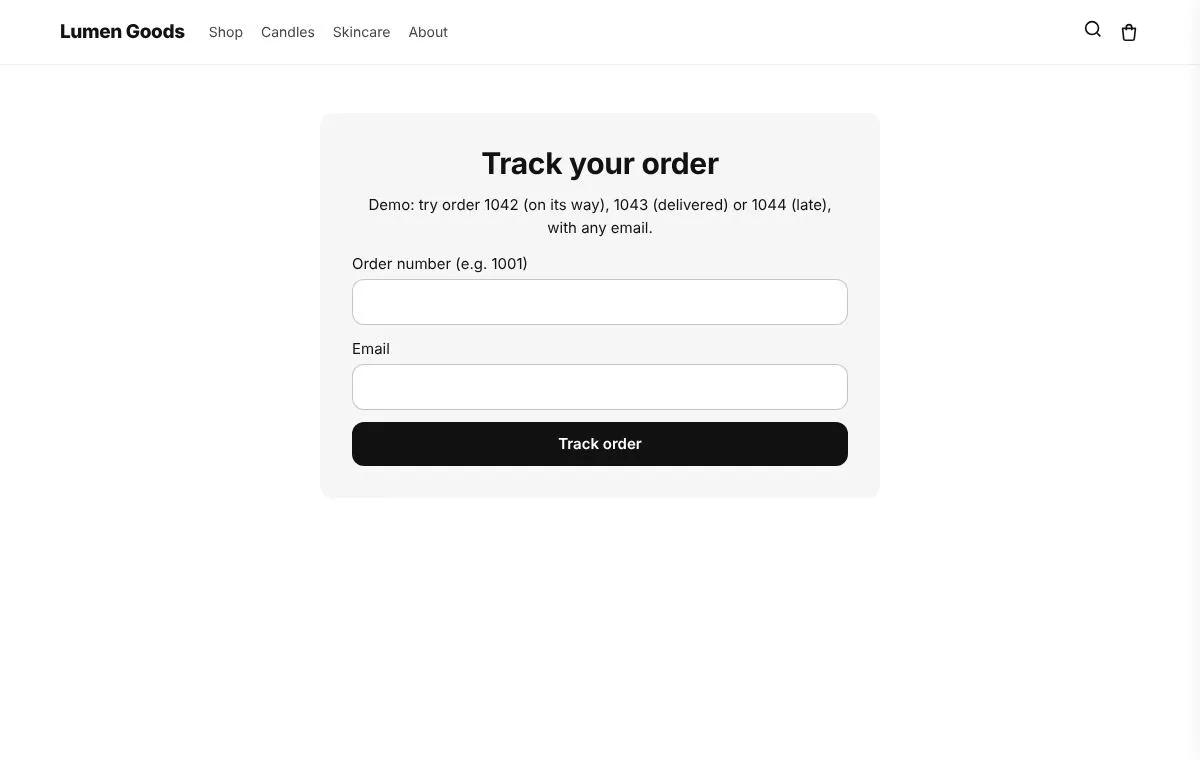
An order tracking page that sells answers “where is my order?” first, then offers one or two reasons to come back. Shoppers who open it already trust you with their money, so a discount code for the next order, a Buy again button or a few related products feel natural there. Here is what to show, in what order, and how to set it up on Shopify with CRO Toolbox.
Why sell on the tracking page at all?
A shopper waiting for a parcel may open the tracking page more than once. Each visit is a moment when they think about your store and nothing else. Shopify’s shipping emails and order status page show tracking, but a Track your order page on your own store keeps your look, sits in your menu or footer, and can show products the shopper may want next.
The rule is simple: tracking first, selling second. A shopper who can’t find the status in a few seconds won’t look at an offer.
What do shoppers need to see first?
Put these at the top, before anything that sells:
- The status. In CRO Toolbox it is one of Info received, In transit, Out for delivery, Delivered or Problem.
- The tracking number and the carrier’s tracking link.
- The dates. The estimated delivery and the delivered date when Shopify has them, and the latest place when it is known.
- What the order cost, if you want it. Show what the order cost lists each item’s price, then subtotal, shipping, discounts and total, in the currency the shopper paid in. Never the payment method or address.
Shoppers look up their order with the order number and the email used for the order. Nothing else is needed.
Where does the tracking information come from?
In Tracking & Returns you choose the source:
- Shopify’s tracking data is the default: the status, tracking number, estimated delivery and any events Shopify has for the shipment, in every country.
- Your own key from your tracking service (17TRACK, AfterShip, TrackingMore or Ship24) on the Growth and Pro plans, for the parcel’s full history from most carriers worldwide, or a webhook link for carriers or services that send you updates.
- Updates you type for a local courier with no tracking system.
Until Shopify approves the app’s access to all orders, orders older than 60 days can’t be found on the page. Details on the Shopify order tracking page overview.
What can the page sell?
These are the options under What the page sells in the Track page editor. Pick one or two to start.
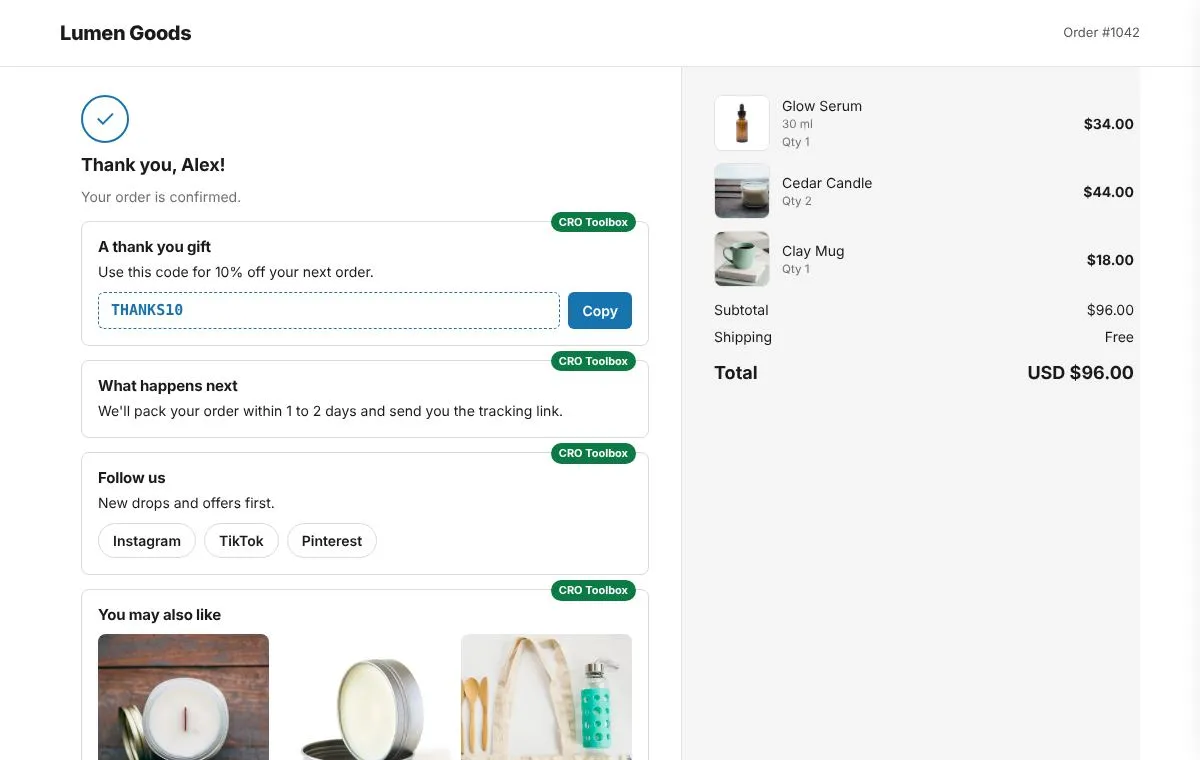
- A discount on the next order. Shoppers whose order is paid see a real Shopify discount code with an expiry and a Copy button. You choose one code per order or one code for everybody, the discount, a minimum order and how many days it is valid for.
- Buy again button. It puts the order’s items that are in stock in a new cart and names the ones that are sold out. You can limit it to some product types or tags, which suits products people use up and order again.
- Late orders: say sorry. When a shipment is more than a day past its expected date, or the carrier reports a problem, the page shows your apology. It can also give a real code: a percentage off the next order or free shipping. When a parcel is late, an apology on the page the shopper is already looking at is better than silence, and a code gives them a reason to order again.
- After delivery: “How was your order?” Once every shipment is delivered, the page asks for a review, links to your Returns page and can give a single use code to share with a friend.
Under Recommendations under the order you can add up to two product rows: “You may also like” and “Complete your order”. Products come from the order’s collections, products bought together in your orders, or products you choose. Products already in the order are never shown, and only products in stock.
On the Pro plan, Track page offers add an offer above and one below the tracking, made in Offers. The order is already paid, so they start a new cart or give a real code that expires.
What should I start with?
A short example plan for a first week:
- Tracking at the top, with the carrier link.
- Late orders: say sorry, with a small code. It only shows when something has gone wrong.
- Give a discount on the next order, for example 10% off for 30 days.
- One recommendations row, “Complete your order”.
Add Buy again if most of your products are bought more than once. Leave the rest for later, and change one thing at a time so you can see what helped.
How do I set it up with CRO Toolbox?
- In the app, open Tracking & Returns and choose where tracking comes from. Shopify’s data is the default.
- Click Make the pages. The app creates “Track your order” and “Returns” in your store.
- Click Open the theme editor, choose Add block, CRO Toolbox, Order & wishlist pages, and save. With Page set to Automatic it shows Track order on the first page, Returns on the second, and nothing on any other page.
- Back in Tracking & Returns, on the Track order page card, click Style the page. Pick a ready made look in Templates.
- Open What to show. Turn on Give a discount on the next order and set Code, Discount, Minimum order and Valid for.
- Turn on Buy again button, Late orders: say sorry and the recommendation rows you want.
- Open Content to edit the words, including your apology under Late orders. Use Style for colours, width and spacing.
- Save, add the Track your order page to your menu or footer, and look up a real order to check the page.
The full walkthrough is in the help guide Track order and returns pages. More on the Track order page feature.
What makes a tracking page feel pushy?
- Offers above the status, so the shopper has to scroll to find their parcel.
- Several codes at once. One code is easy to remember; three are noise.
- Recommendations that repeat what was just bought. CRO Toolbox never shows products already in the order.
- Codes that never expire or “expire” when they don’t. Every code the Track page gives is a real Shopify discount code with a real expiry.
Which plan do I need?
The Track order page, with its next order discount, Buy again, recommendations, after delivery message and late order apology, is on the Growth plan ($19.99 a month or $199 a year, with a 14 day free trial). Track page offers are on the Pro plan ($39.99 a month). The same setup also gives you a Returns page; see the Returns feature. Plans are on the pricing page.
Quick checklist
- Status, tracking number, carrier link and dates at the top
- The page in your menu or footer, not only in emails
- One next order code with a minimum and an end date
- An apology for late orders, ready before you need it
- One recommendations row that completes the order
- Buy again for products people order more than once
- A real order looked up on your store before you announce the page