How to reduce returns on Shopify
How to reduce returns on Shopify: size charts and a size finder, clear product details, real reviews, honest delivery dates, and exchanges or store credit when items do come back.
Most returns start on the product page: the wrong size, a colour that looked different, or details the shopper didn’t see. To reduce returns on Shopify, answer those questions before the order with a size chart and size finder, clear product details, real reviews and honest delivery dates, then make the returns that still happen end in an exchange or store credit rather than a refund. Here is each step.
Why do customers return products?
Look at your own return reasons first; Shopify keeps a reason on each return. Common ones are:
- Wrong size or fit, the biggest for clothing and shoes.
- Not as expected: colour, material or size of the item itself.
- Arrived late, too late for the occasion.
- Damaged or wrong item, which is about packing and picking rather than the product page.
Fix the biggest reason first.
1. Help shoppers pick the right size
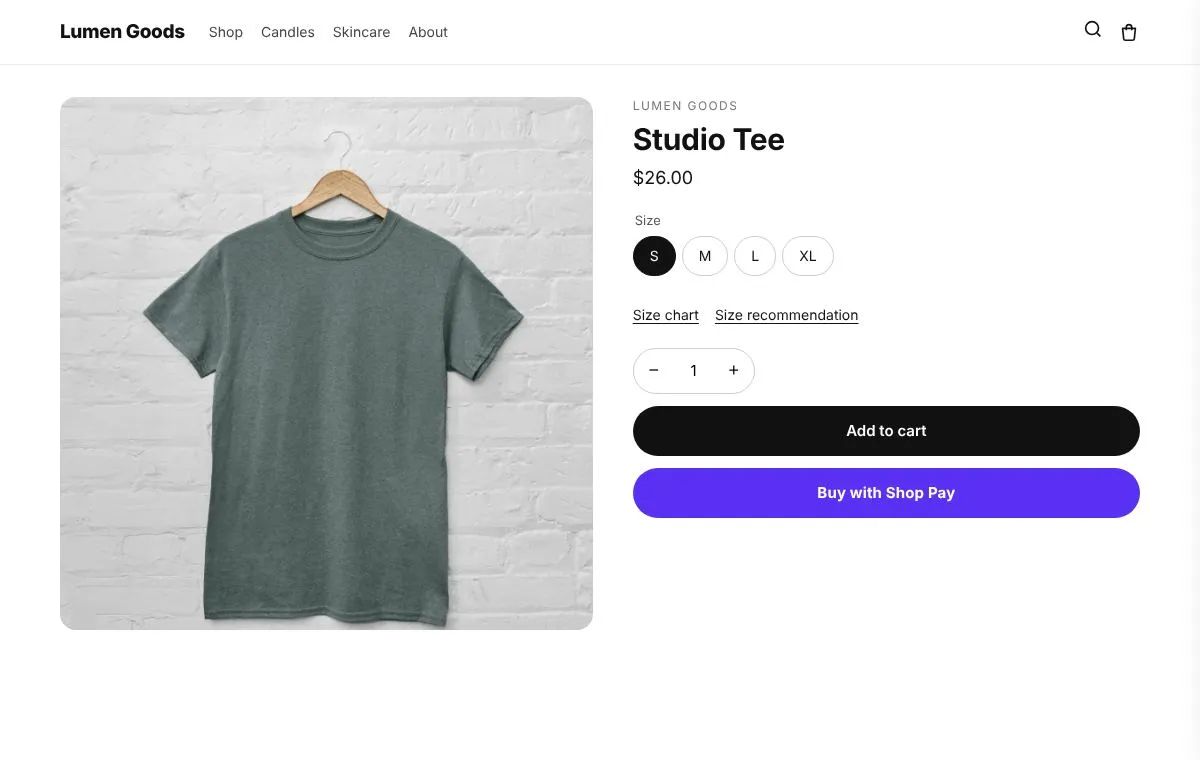
A size chart near the size picker, with the measurements that matter for that product (chest, waist, inseam), answers most sizing questions. A size finder goes further: it asks a few questions such as height, weight or the size they usually wear, and recommends a size from your own rules. Add a fit note when a product runs large or small.
2. Show what the product really is
- Photos of every colour and from every side, and one in use for scale.
- Materials, dimensions and care in tabs, so they are easy to find without a long page.
- A comparison table when you sell similar products, so shoppers pick the right one.
3. Let real customers describe it
Reviews from customers answer “does it run small?” and “is the colour like the photo?” better than your description. Show the star rating near the price and a few reviews with photos on the product page.
4. Promise delivery dates you can keep
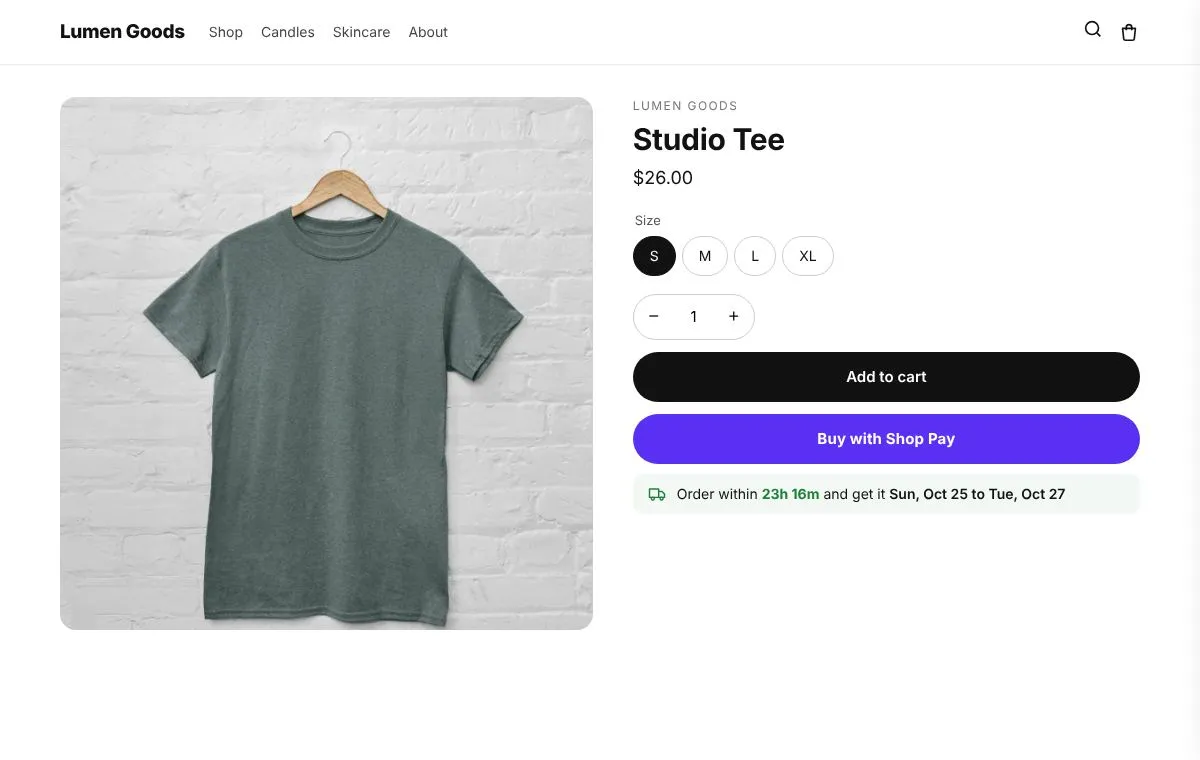
An order that arrives after the birthday comes back. Show an estimated delivery date on the product page and in the cart, with your real cut off time and days off.
5. When items come back, keep the sale
Some returns will still happen. Offer an exchange for another size or colour first, and store credit (with an optional small bonus) next to the refund. The customer gets what they need, and the money stays in your store. See store credit vs refunds on Shopify and the Shopify return policy template.
How does CRO Toolbox help reduce returns?
- Size guide: size charts per product, collection or tag, in cm or inches, and a size finder that answers only from your own rules (Starter plan).
- Product details tabs and a comparison table for clear product information.
- Product page reviews: the star rating near the price, a review card and the full list.
- Delivery estimate: “Order within … and get it …” with your cut off time, days off and delivery times per country (Starter plan).
- Returns on your own store, with exchanges and store credit with a bonus on Pro.
See the size chart page and pricing.
Quick checklist
- Return reasons checked, biggest one first
- Size chart and size finder on every product with sizes
- Photos of every colour, details in tabs
- Reviews near the price
- Real delivery dates on product pages and in the cart
- Exchanges and store credit offered before refunds